Roam Research Docs · Help & user documentation
Cancelling your membership during your free trial
markdown version · view in Roam Research
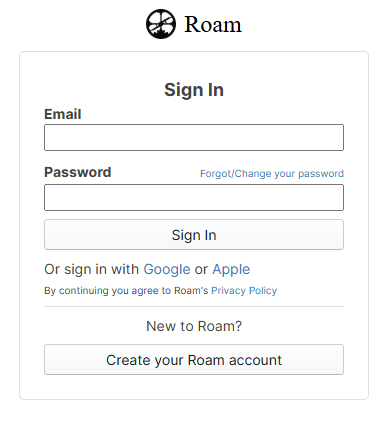
- Sign In to your Roam account, with the email address you used at sign up:
- Then, you can cancel/manage your trial/subscription directly from the following link:
https://roamresearch.com/#/billing
- You can also access your Billing page by going to the Graphs & Settings page, and cancel/manage your subscription by clicking on your Name/Email > Billing > Manage Subscription > Cancel Subscription
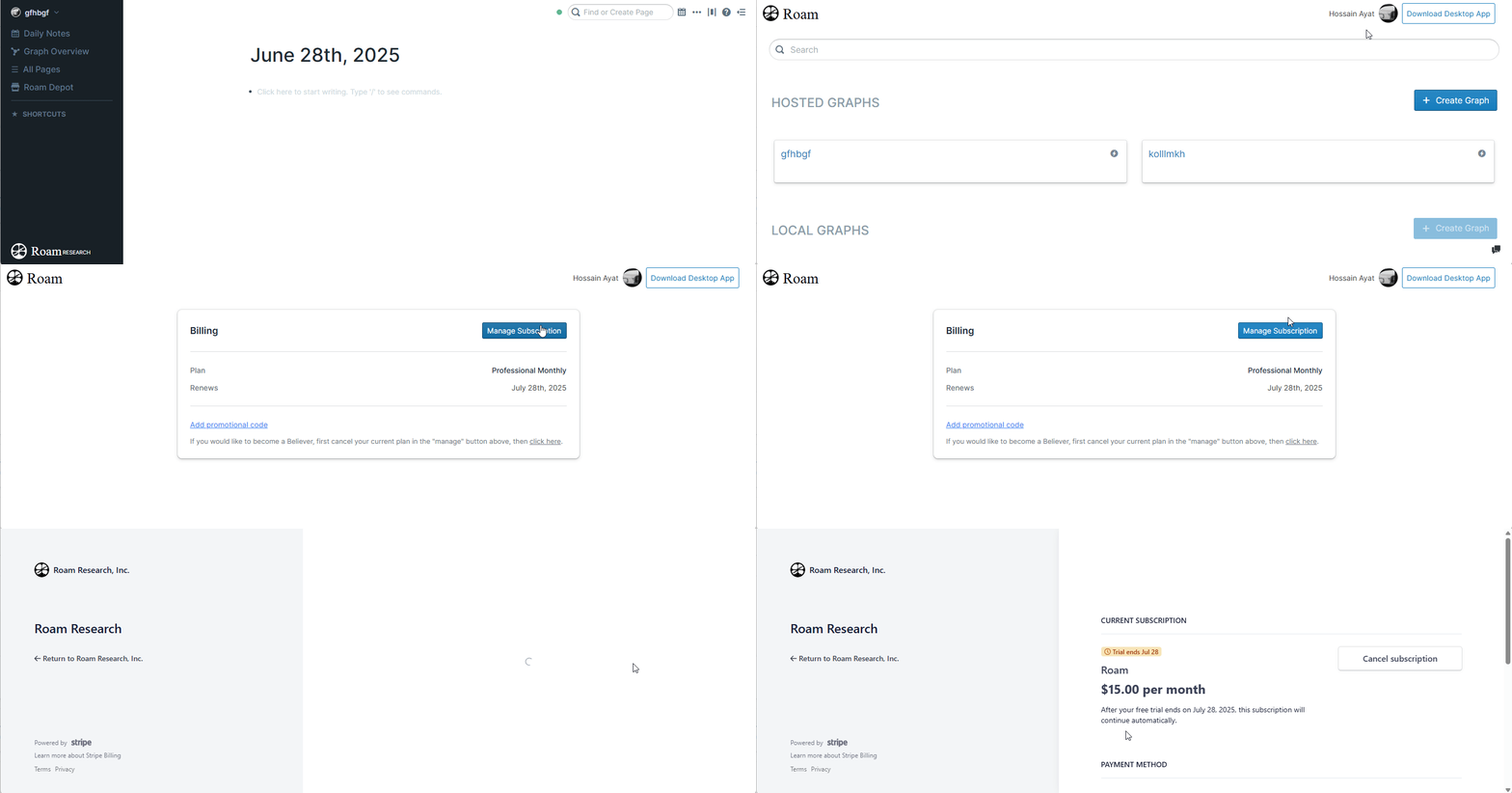
- This will cancel your trial. If you have any problems at all, please contact Roam support at [[email protected]](mailto:[email protected]). We can also cancel your trial/plan manually on your behalf well.
- For your information, Canceling or failing to renew a subscription has 0 effect on your notes - you won't be able to add new notes or edit them, but you'll have access to the graph and the ability to export your notes (as Markdown, JSON, EDN or MessagePack format).
- Thanks for trying Roam!