Roam Research Docs · Help & user documentation
Updating Roam
markdown version · view in Roam Research
How do I update Roam?
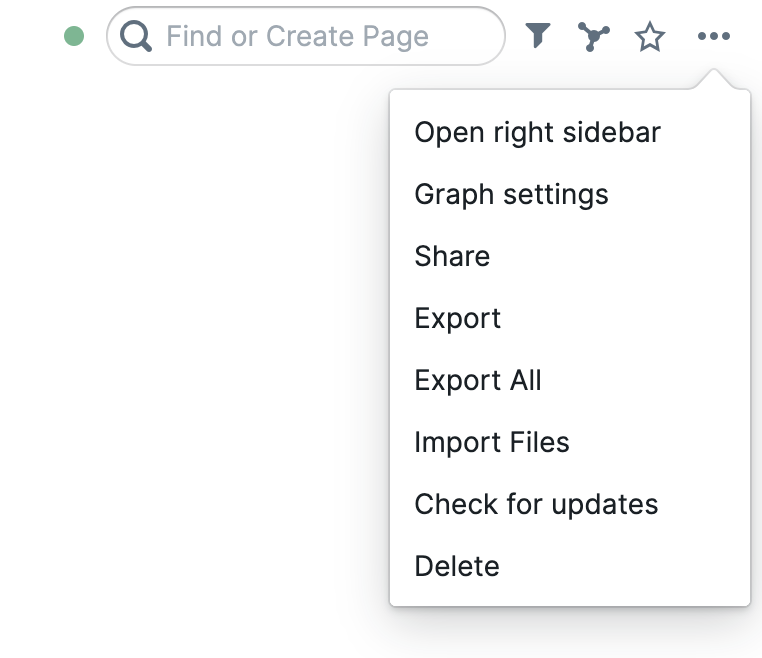
- In the top right the the ... menu, there is a button to "check for updates", click it
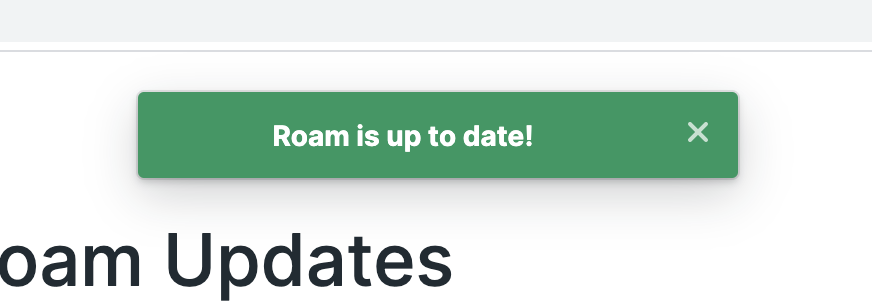
- If you're up to date you'll see this
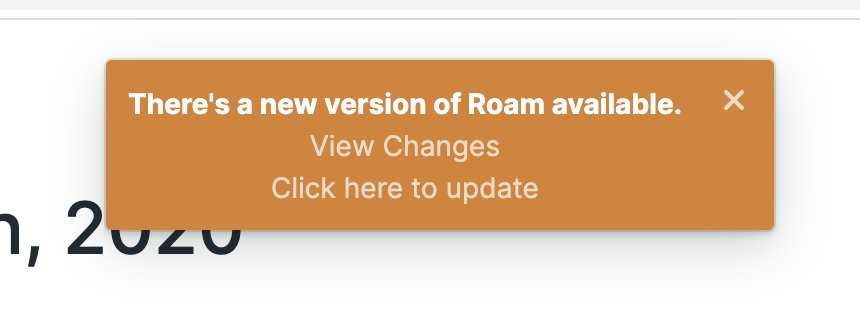
- If there's an update you'll see
- Just click on the update button and you'll get the new version
- (if you have issues see I clicked check updates, it didn't work/I don't see the new feature I'm looking for, whats going on?)
How do I update the desktop app?
- You can update the desktop app the same way you update the web app
- Alternatively, you can
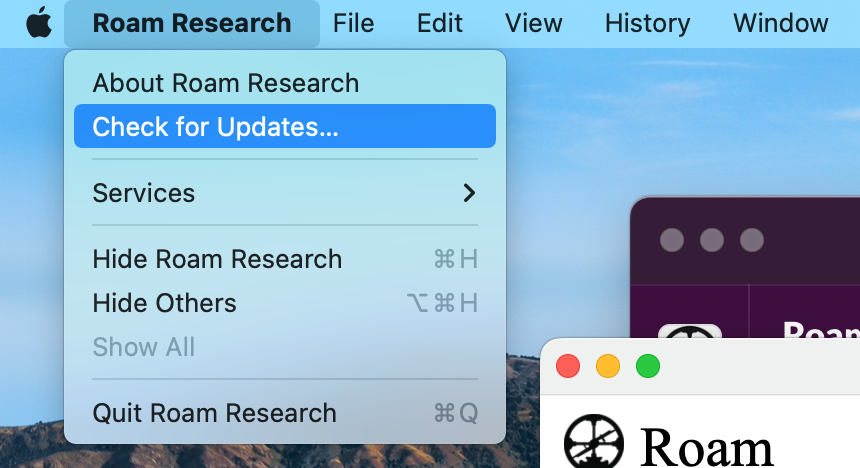
- Click on "Roam Research" in the menu bar
- and click on "Check for updates"
How do I know what version of the desktop app I am on?
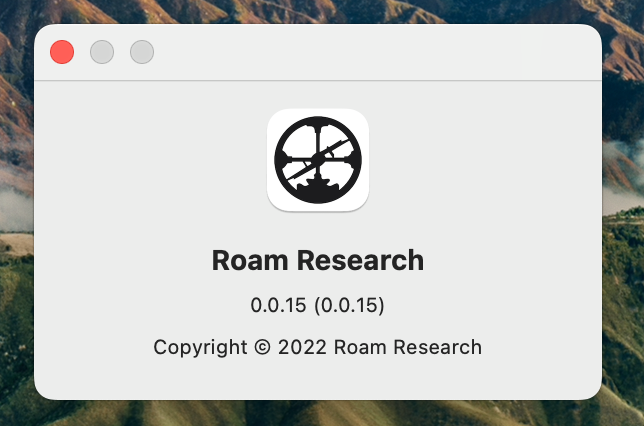
- Click on "Roam Research in the menu bar
- Click on "About Roam Research"
- You should get a popup like this
I clicked check updates, it didn't work/I don't see the new feature I'm looking for, whats going on?
- Sometimes, updates can take awhile to reach you. If you close all tabs with Roam open and then reopen them, you can get the update faster/fix any problems you are having with getting the update.
- If you have the installed app, just close it and reopen
How do I know what version I am on?
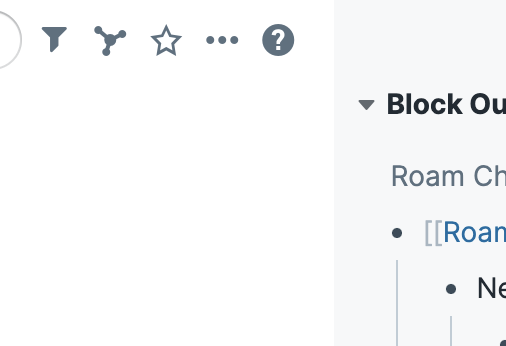
- If you press the help icon (?), the furthest right one in the nav bar
How often do you release updates?
- We generally release updates as we finish them, so usually we'll deploy changes a few times a week.
Why does the change log not show x feature Conor tweeted about?
- We do our best to keep the change log up to date, but because we release very frequently, sometimes the change log is a few days behind Conor's twitter updates