Roam Research Docs · Help & user documentation
Apple Shortcuts/Speak to Roam
markdown version · view in Roam Research
- An Official Capture Apple Shortcut, built by the Roam team!
- Link to install latest version: https://www.icloud.com/shortcuts/ae1ae833cada4999b44d9ac5dda2dc6d
- For issue reports or enhancement requests, please email us at [email protected]
- Getting started guide
- Requirements
- apple devices only (iphone, ipad, mac, apple watch, etc.)
- Need an OpenAI API key for transcription & optional post-processing.
- if you do not have one, we go through how to create one in the steps below
- Steps
- Follow this link for the shortcut:
- Link to install latest version: https://www.icloud.com/shortcuts/ae1ae833cada4999b44d9ac5dda2dc6d
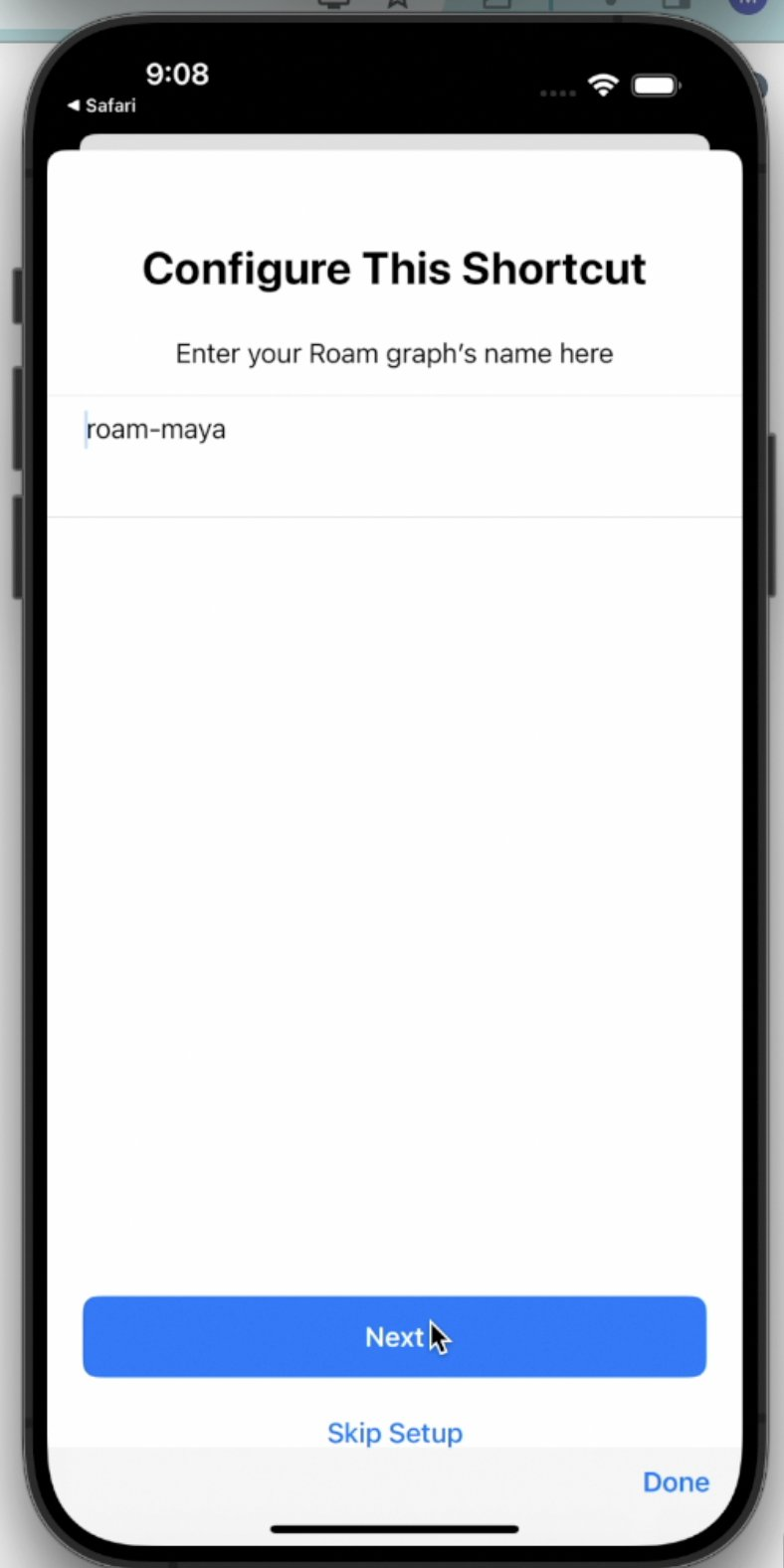
- Click on "Set up Shortcut" & Enter your graph's name to get started
- Get an "append-only" Roam API token
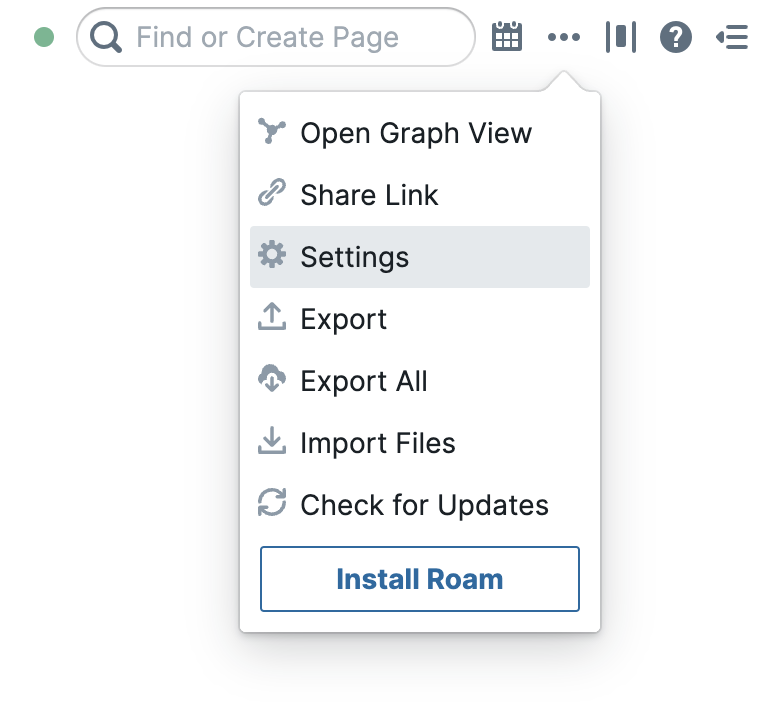
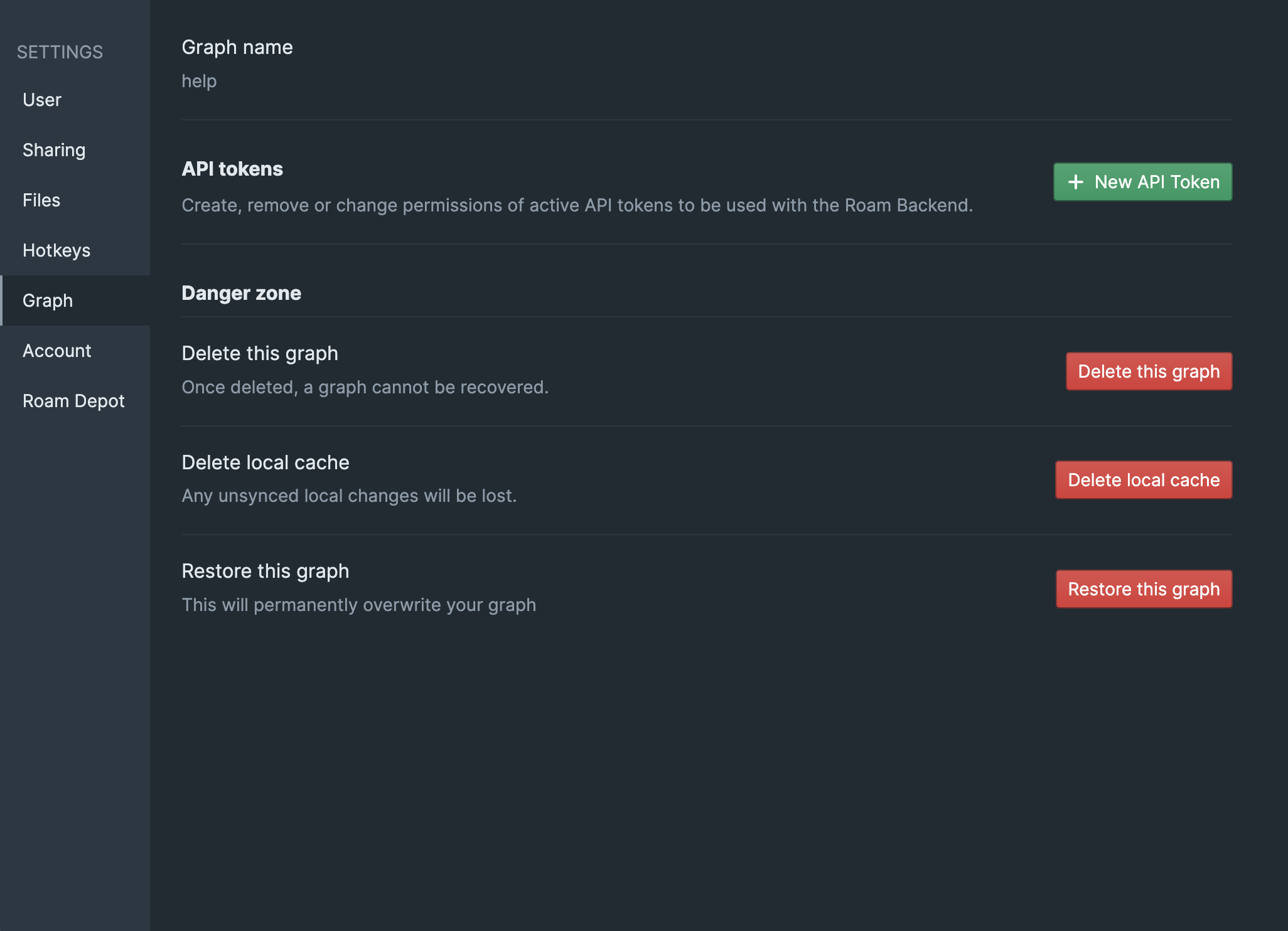
- settings > graph > new API token.
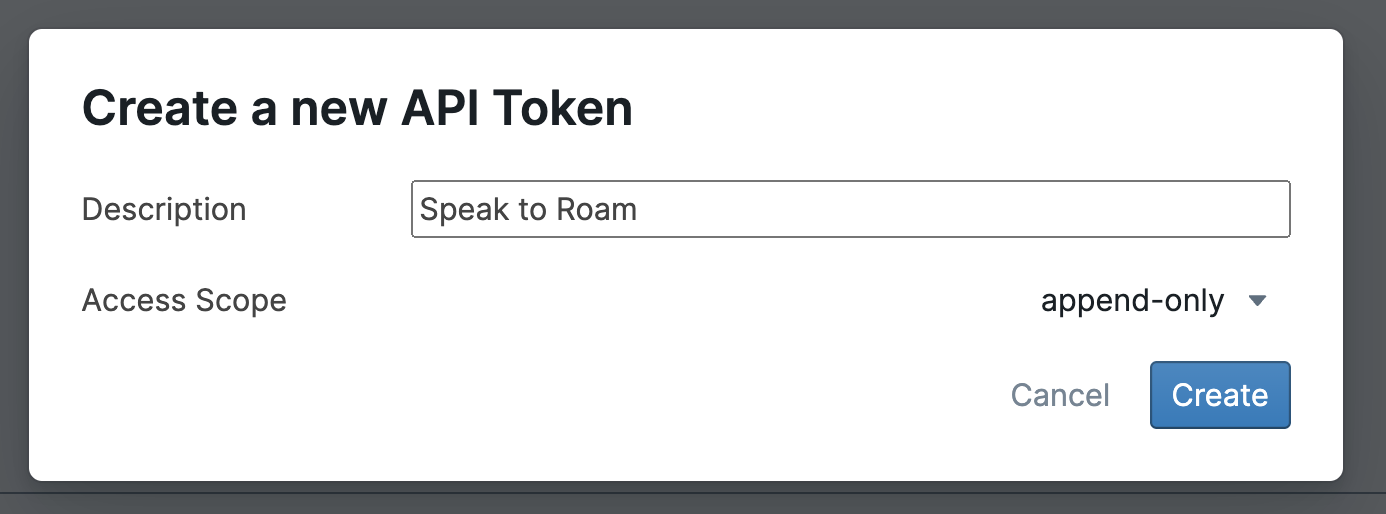
- In the next screen, enter a description for the token and change the scope to
append-only
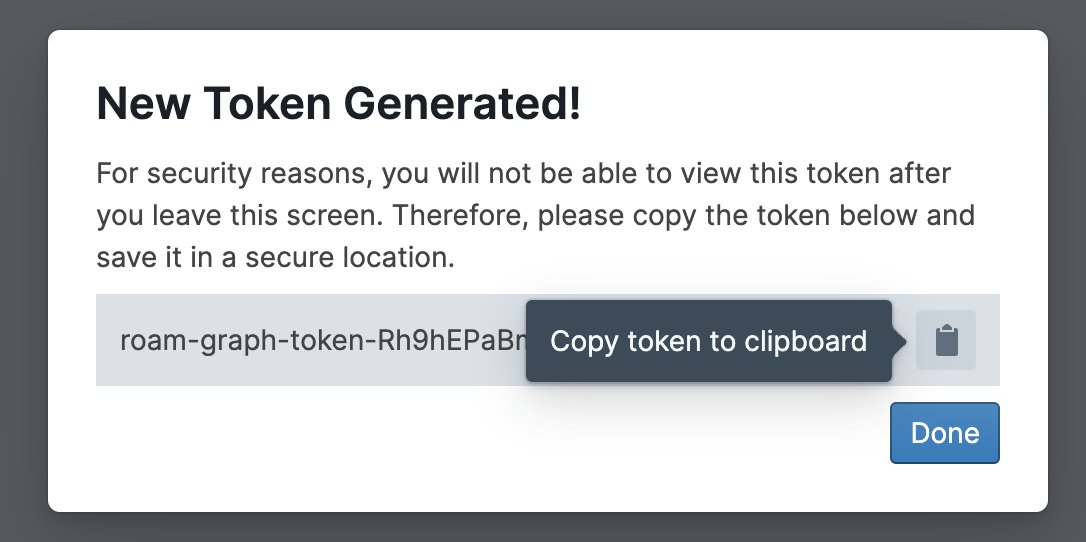
- In the next screen, click on the "Clipboard" icon 📋 to copy the token to your clipboard. It will start with "roam-graph-token-"
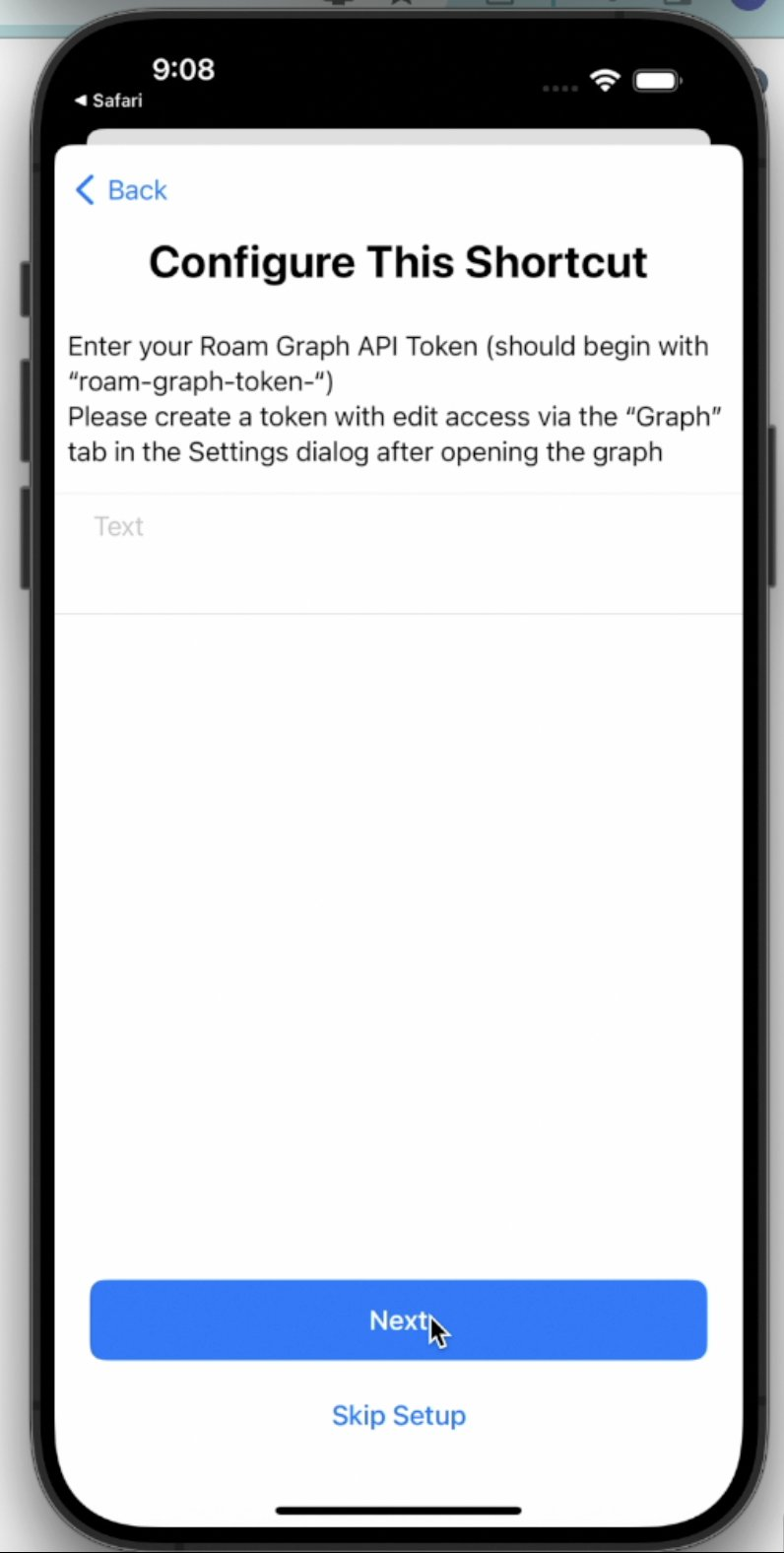
- insert the token in the shortcuts app
- In the next screen, leave empty if you want to capture to the daily note, otherwise, enter the title of the page you want to ✨speak to✨
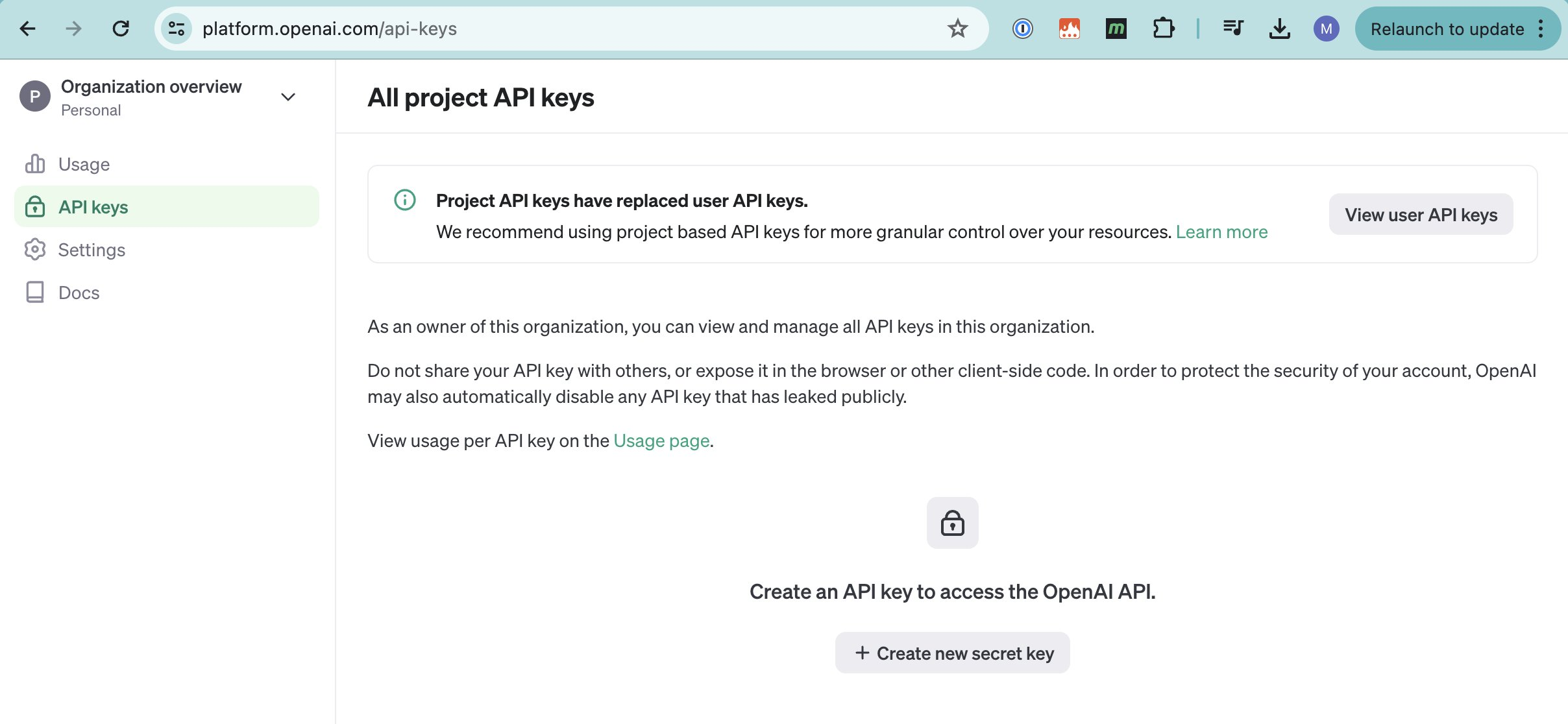
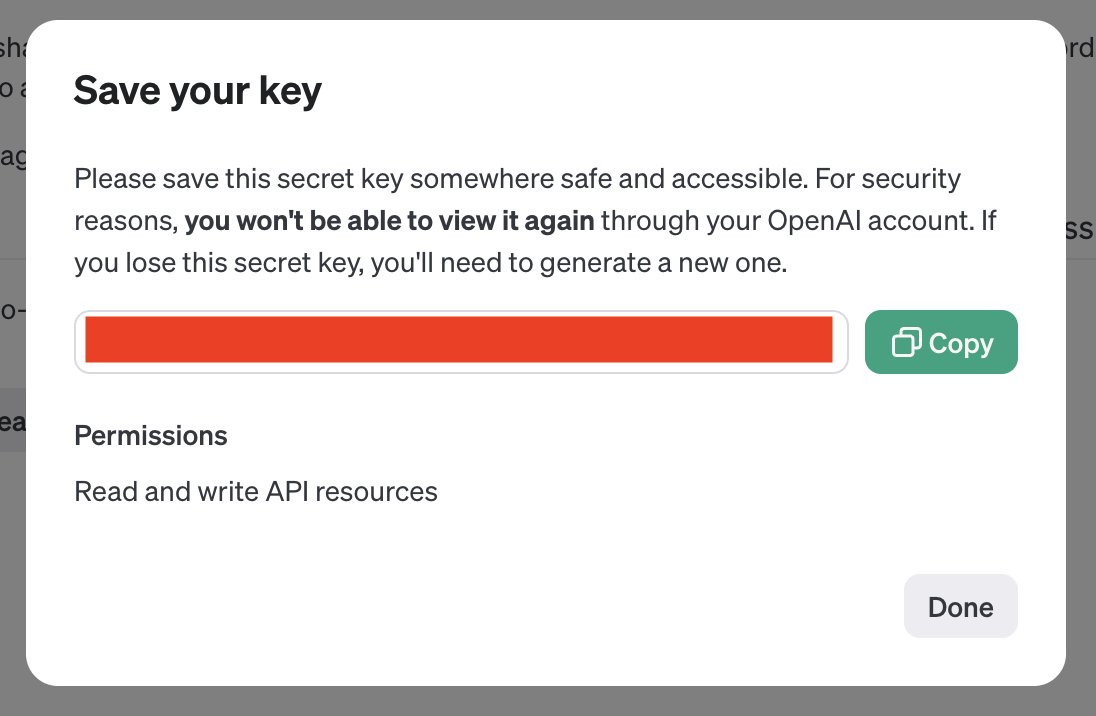
- create your OpenAI API keys:
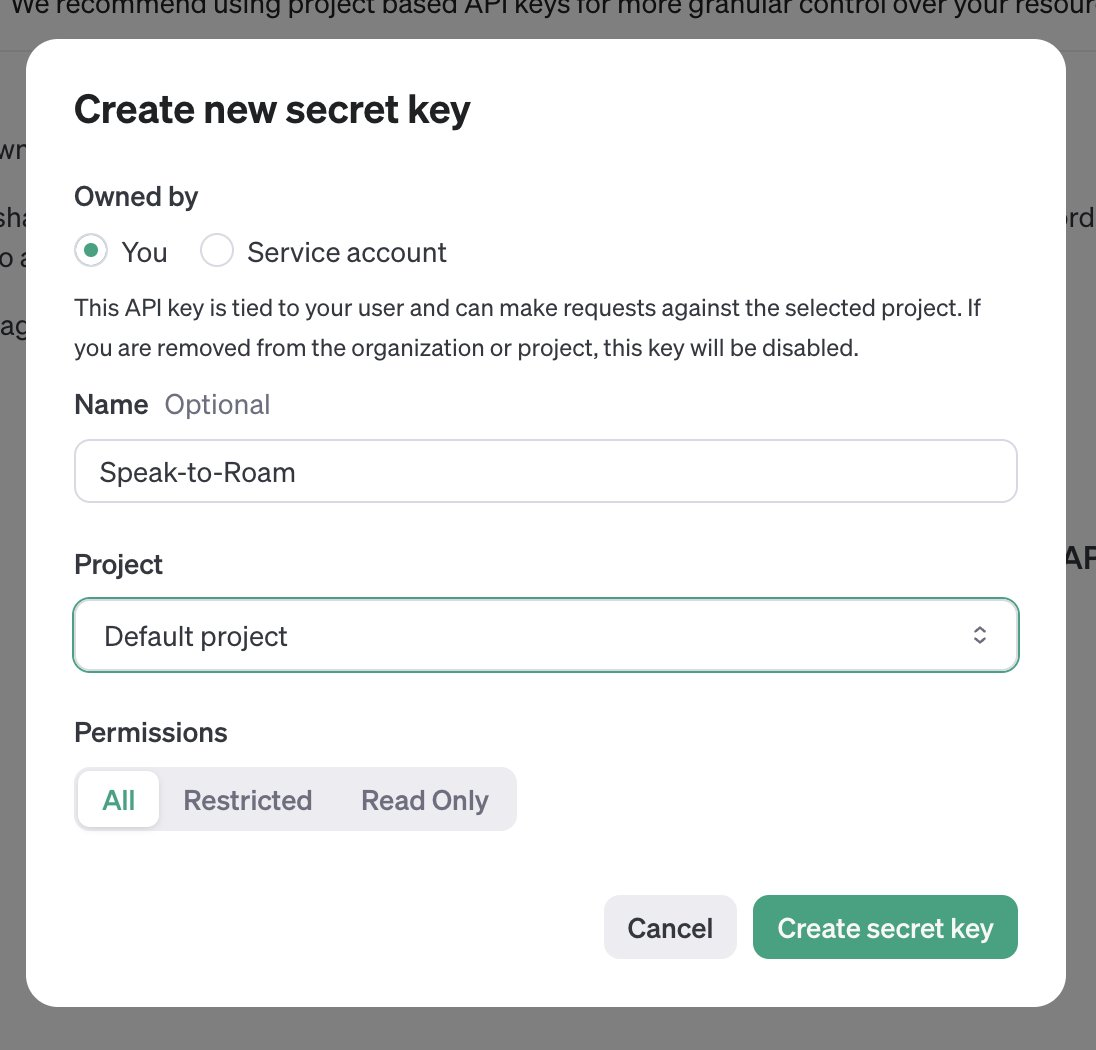
https://platform.openai.com/api-keys > create new secret key
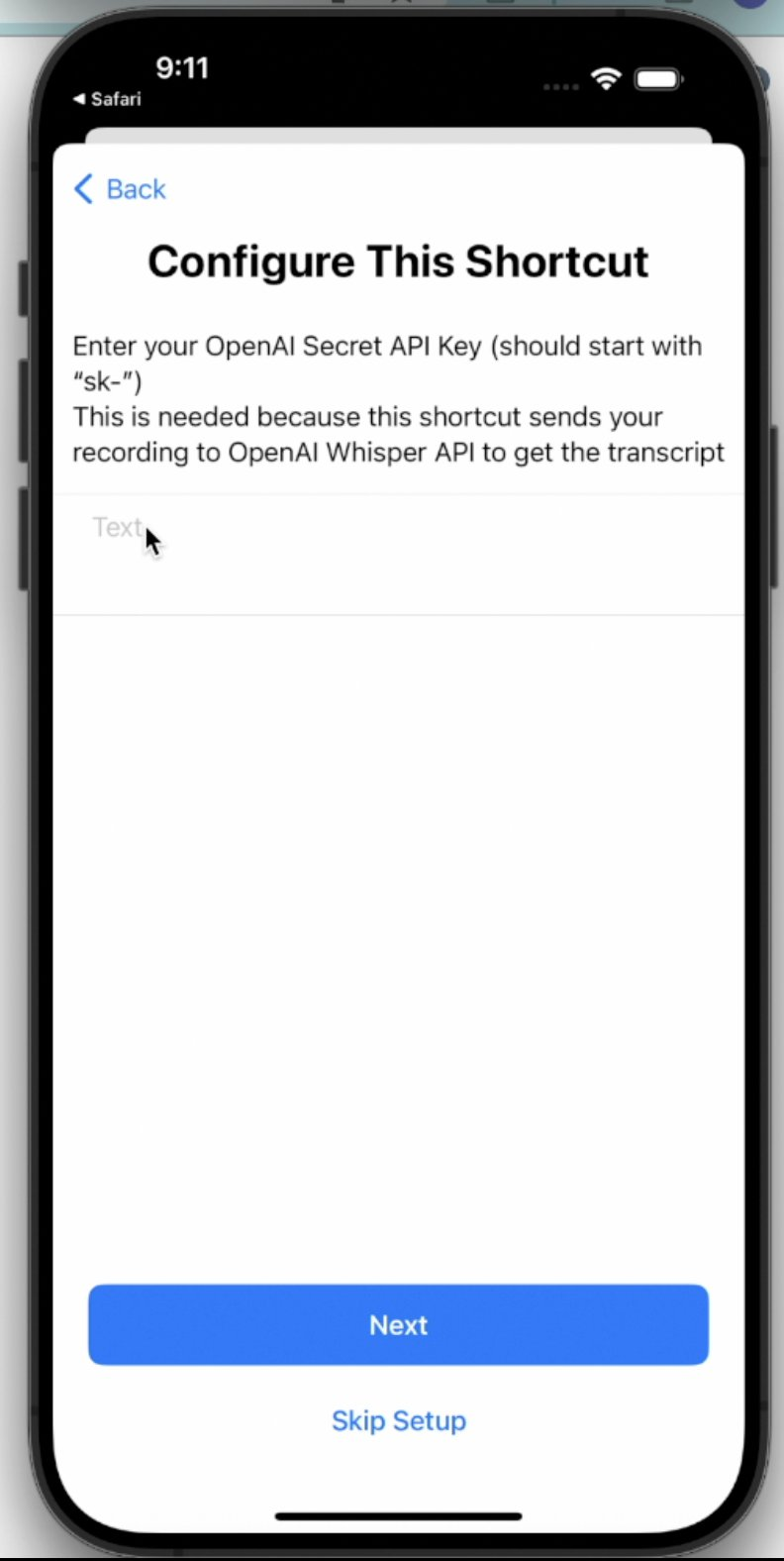
- Enter the OpenAI API keys into the shortcut
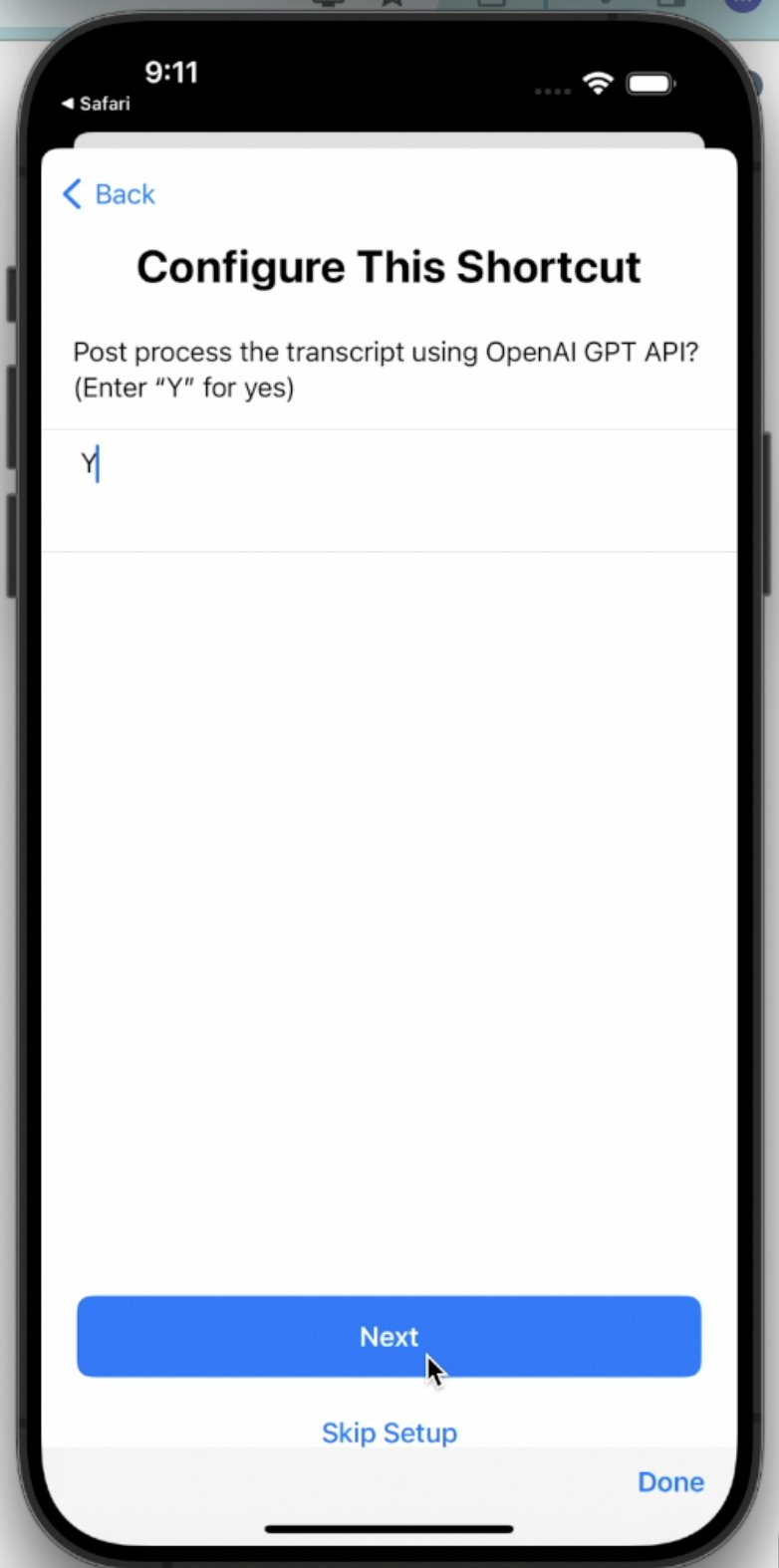
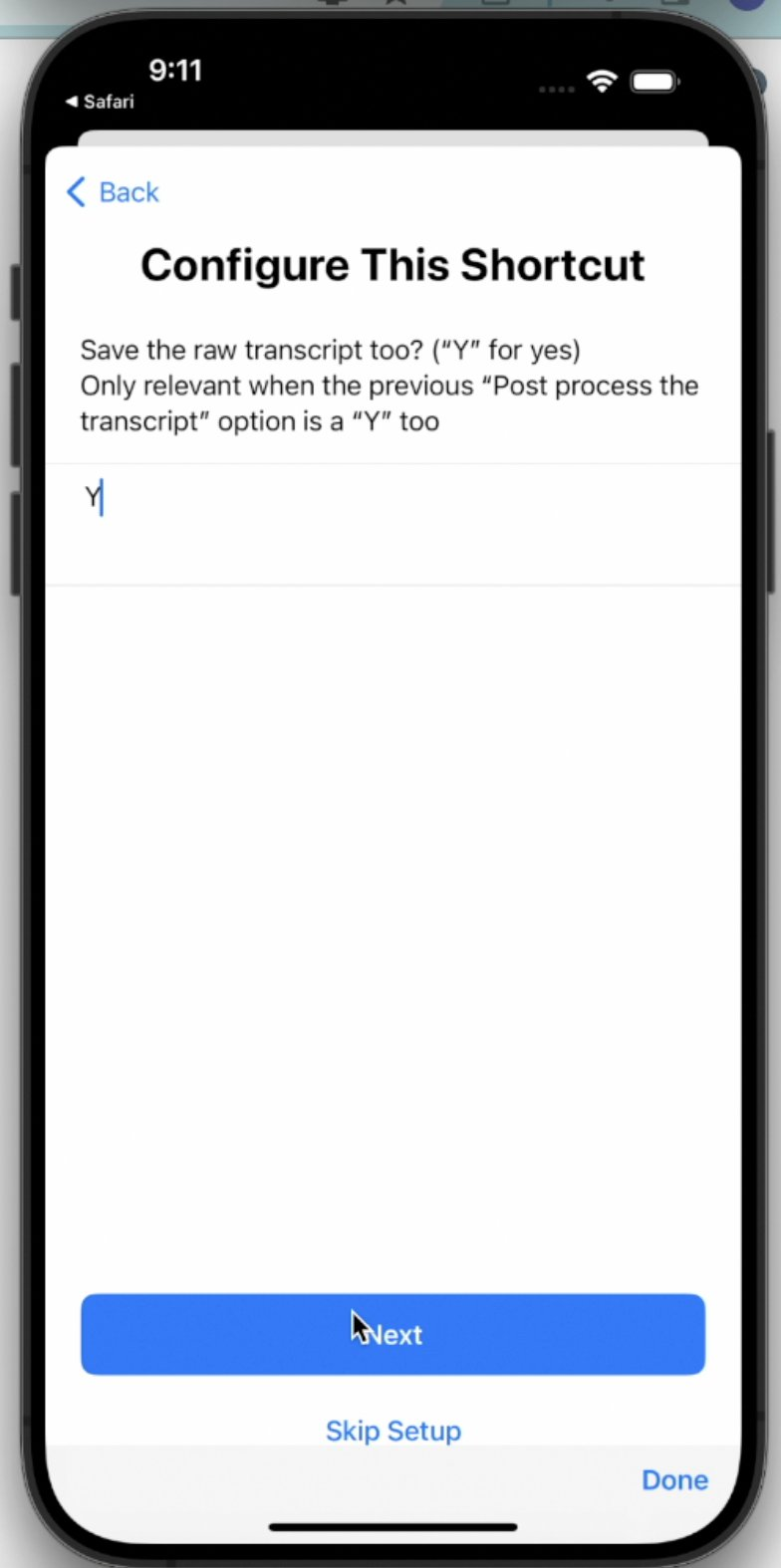
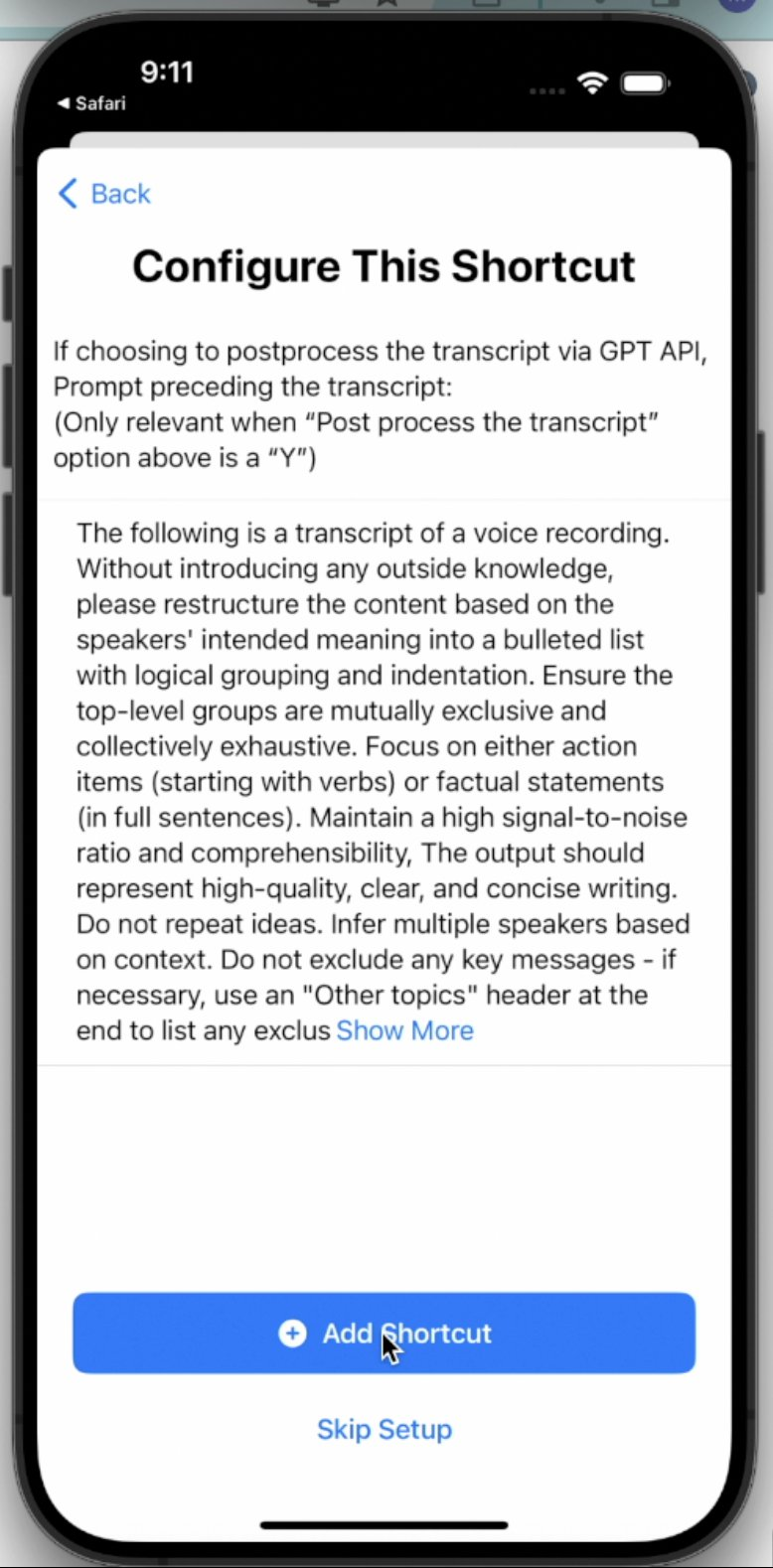
- Few configuration steps regarding if we want to post-process, if we want to save the raw transcript if so, and if we want to change the post-processing prompt
- Congrats! Now you can speak to your graph!
- Change Log
- small change to the behavior for capturing to Daily Note pages October 26th, 2024 - no action needed on your side!
- It turns out that Apple broke some shortcut-related behavior in iOS 18 and that caused this Apple Shortcut to fail if it was set up to save to the daily note page.
- We made a backend change and it should be working now (abeit with some difference in how the captured text looks like)
- tldr; No action needed on your side. The shortcut should work for all iOS, ipadOS and MacOS versions
- The difference in how the captured text looks like:
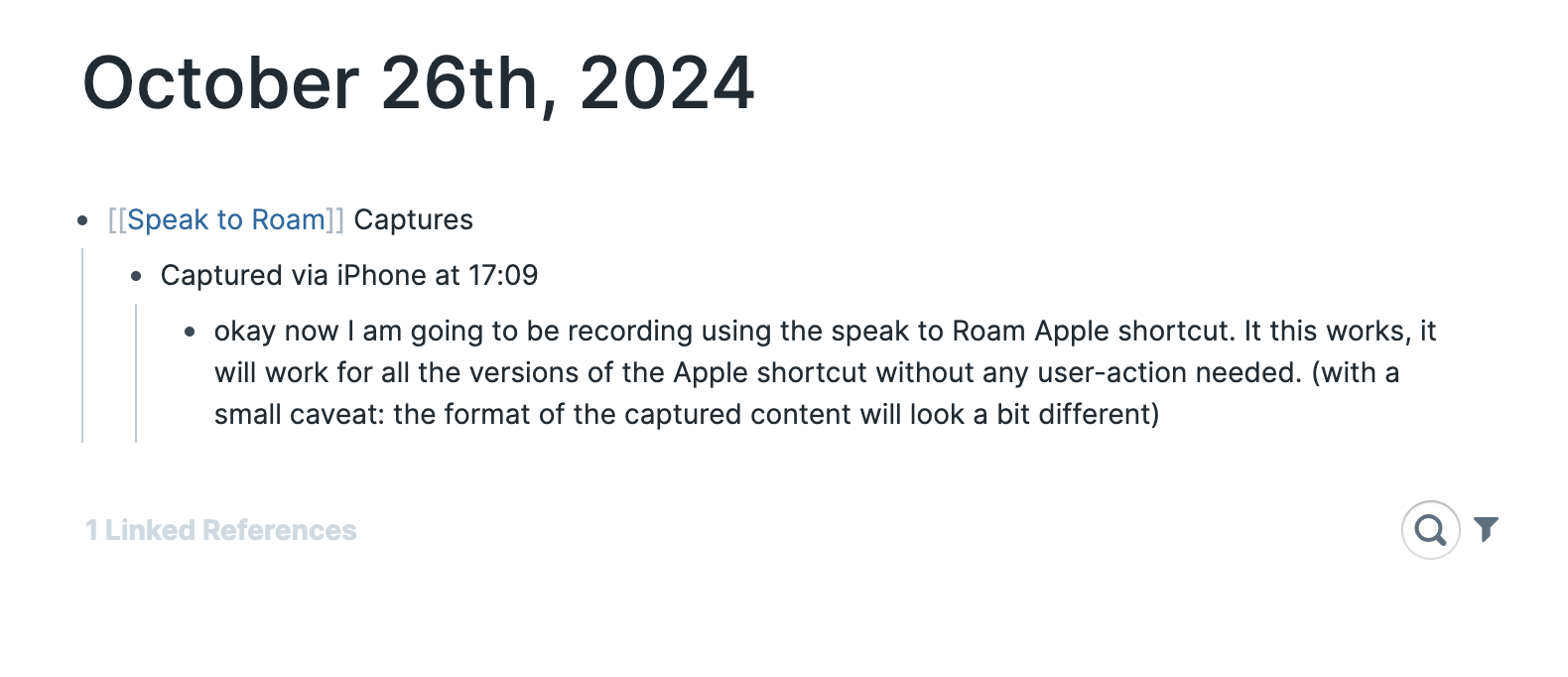
- What it looked like previously
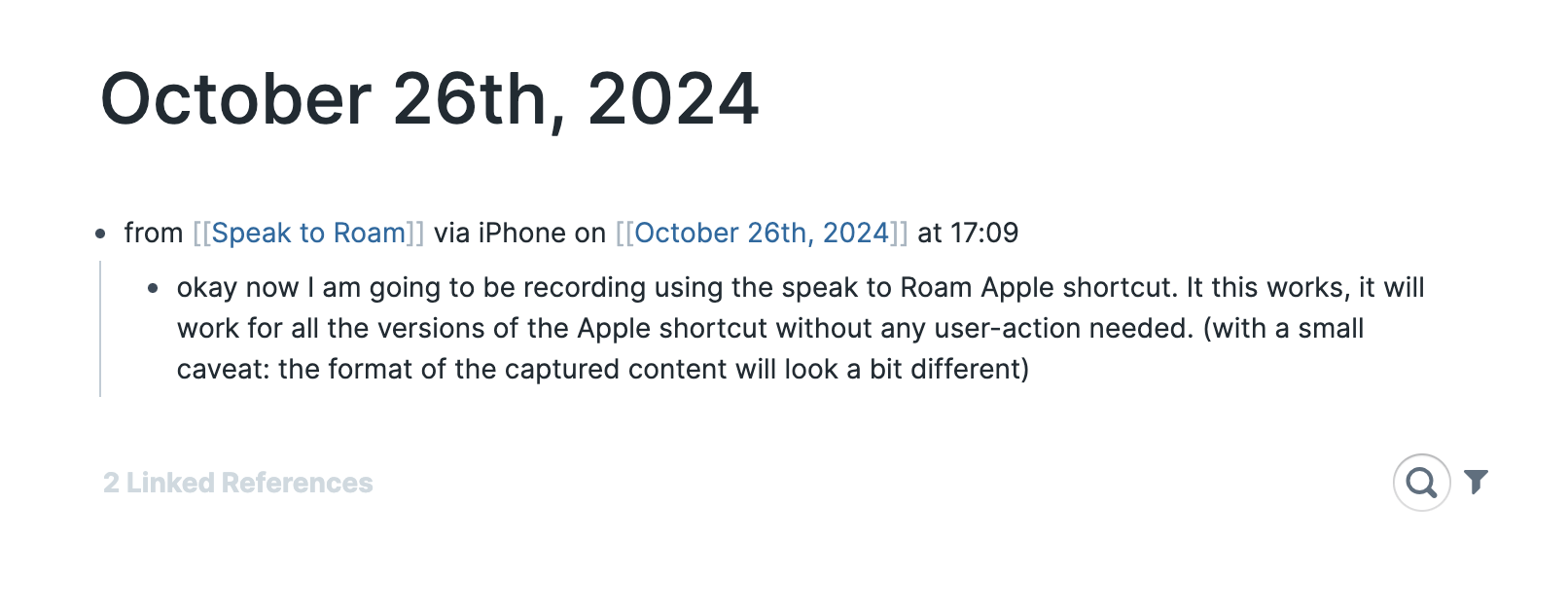
- What it looks like now
- We will be releasing a new version soon-ish that fixes this change (and have a few new features), but this was the only way we could make the current and older versions of the Apple Shortcut to still work on the new OS
- v1.3.0: https://www.icloud.com/shortcuts/ae1ae833cada4999b44d9ac5dda2dc6d
- Improvements
- We now support both encrypted graphs and unencrypted graphs
- On encrypted graphs, you can create an "append-only" token!
- Captures to today's Daily Notes Page by default
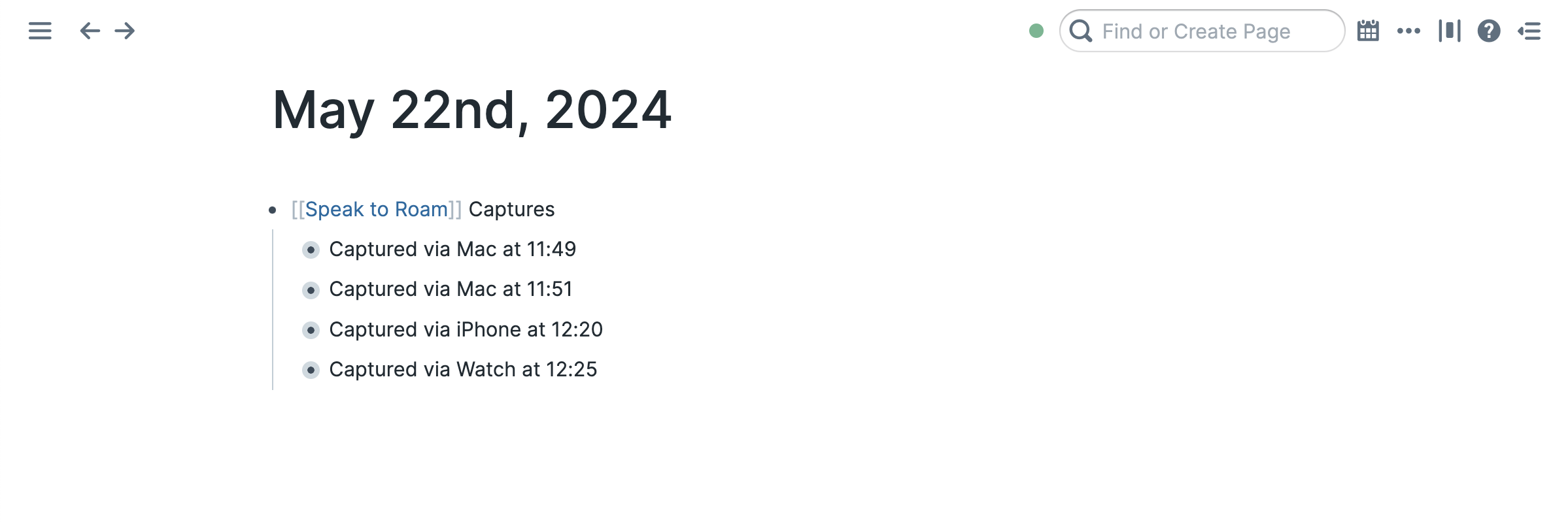
- Captures are stored under a block/capture group
[[Speak to Roam]] Captures
- If you do not want to capture to DNP, you can alternatively pass an input page to capture underneath!
- More resilient to shortcut failure (If shortcut fails, you can find the recordings in Files in
Shortcuts/SpeakToRoam/FailedRecordings. If it suceeds, you can find them in Shortcuts/SpeakToRoam/HandledRecordings. Behavior slightly different on Apple Watch)
- Shortcut is now available on the Share Sheet without extra configuration
- You can use this to share recordings from the Voice Memos app to Roam via the shortcut!
- v1.2.0
- 1. additional optional GPT4 API post processing step after transcription (records the output in a single roam block. Later, you can easily copy paste the block contents to get a nested structure)
- 2. The initial check of no internet should be faster (since we do a GET request to google.com now)
- v1.1.0
- If no internet, fail immediately
- If recording has been made and then something fails (Whisper API or Roam Backend), then save the recording to “iCloud Drive/Shortcuts/SpeakToRoam/FailedRecordings/” folder and show a proper error message to the user