Roam Research Docs · Help & user documentation
Block Context Menu
markdown version · view in Roam Research
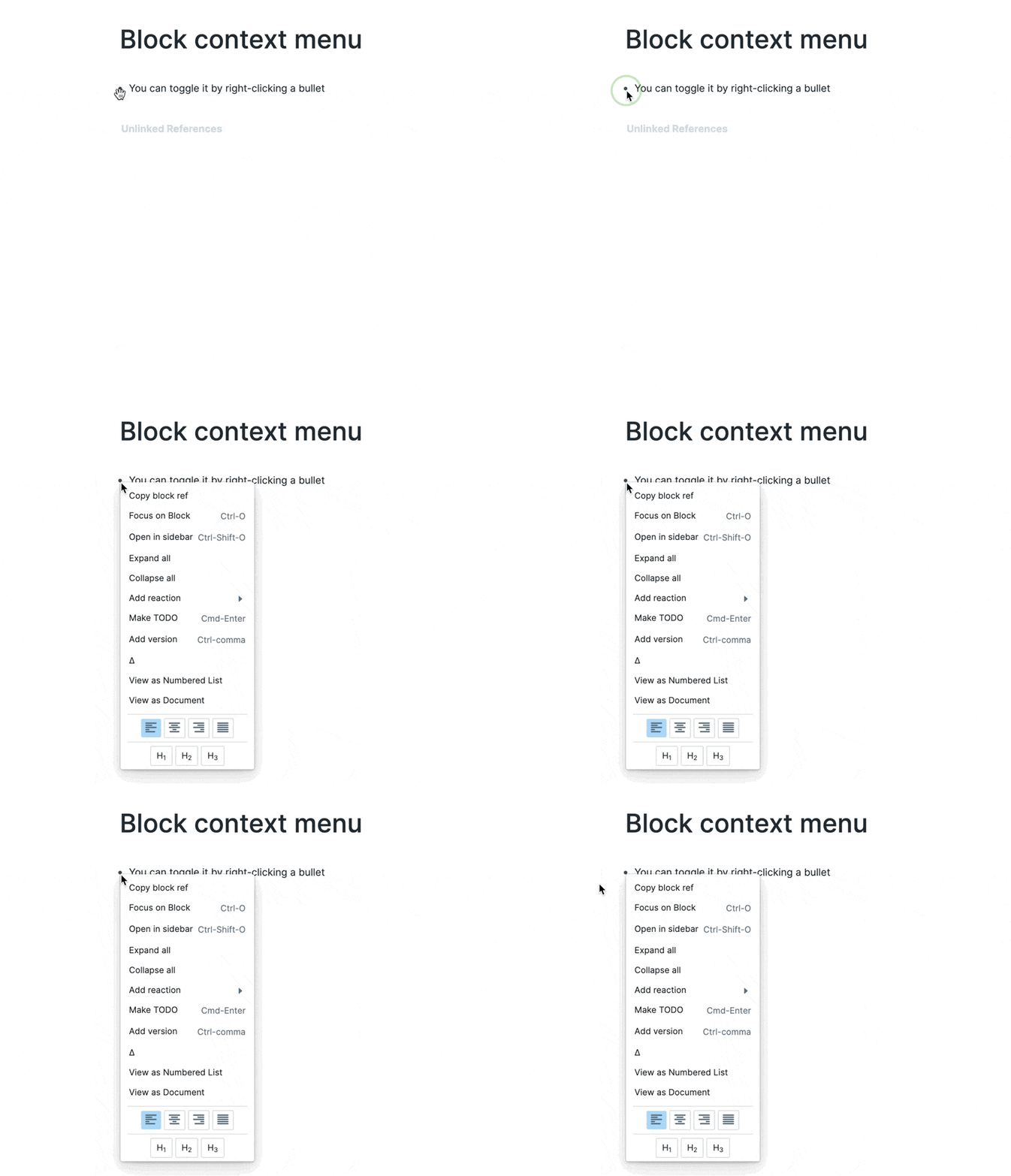
- The Block Context Menu is the menu that gets pulled up when you right click the circle bullets on any block, it brings up a list of common features you might need, these commands include:
- Team GIFs::
- Toggling block context menu
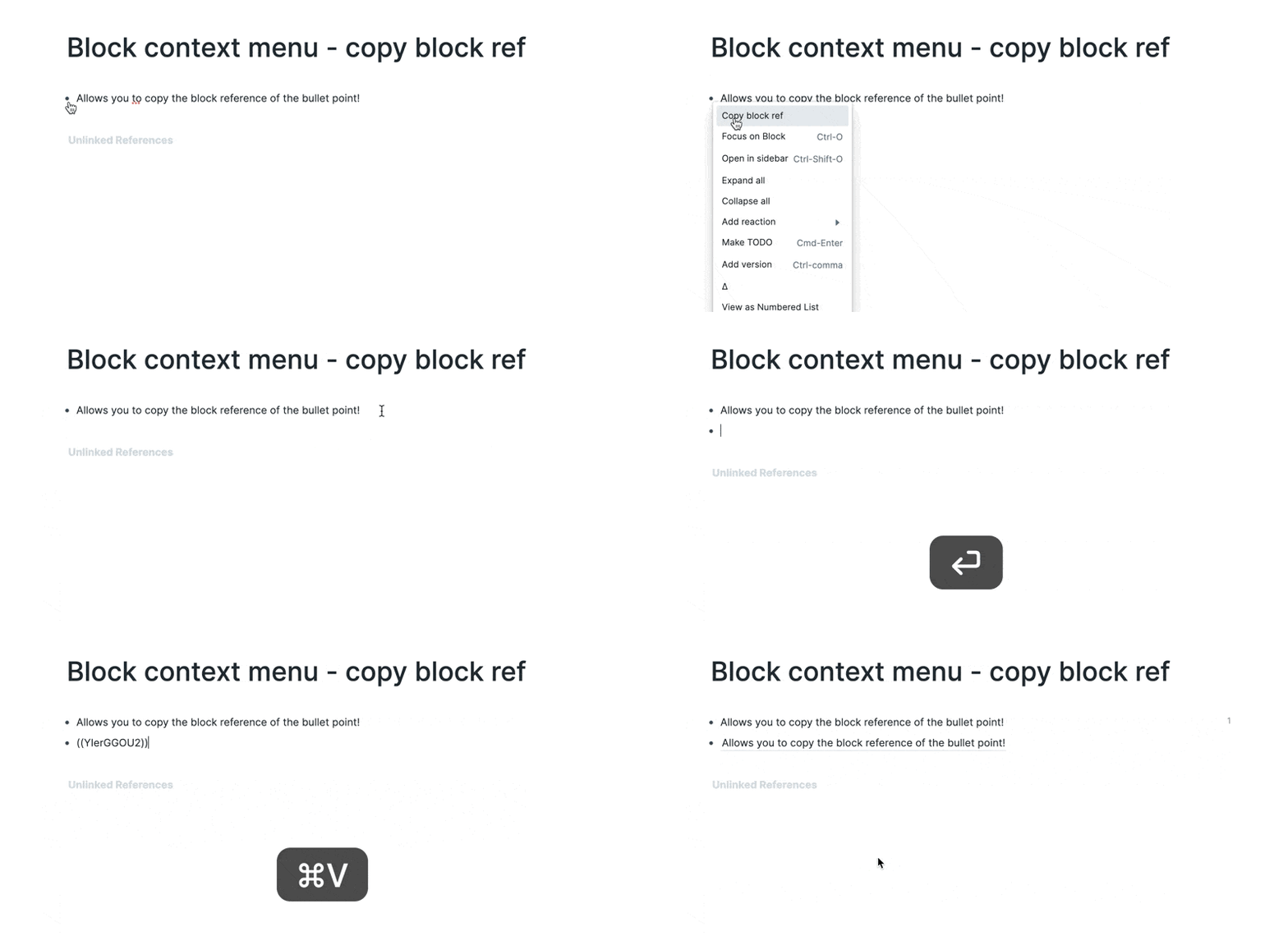
- Copy Block ref
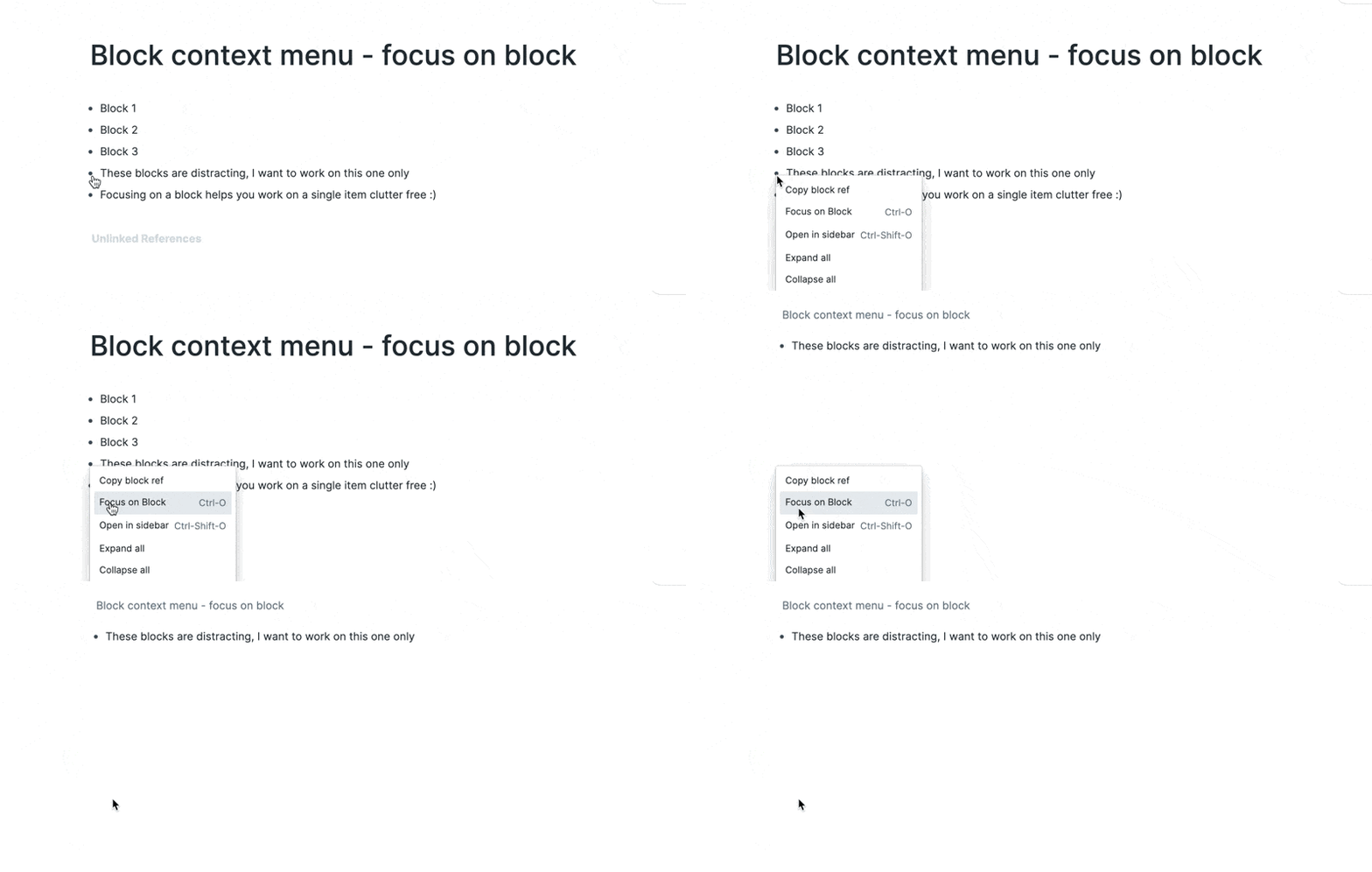
- Focus on block
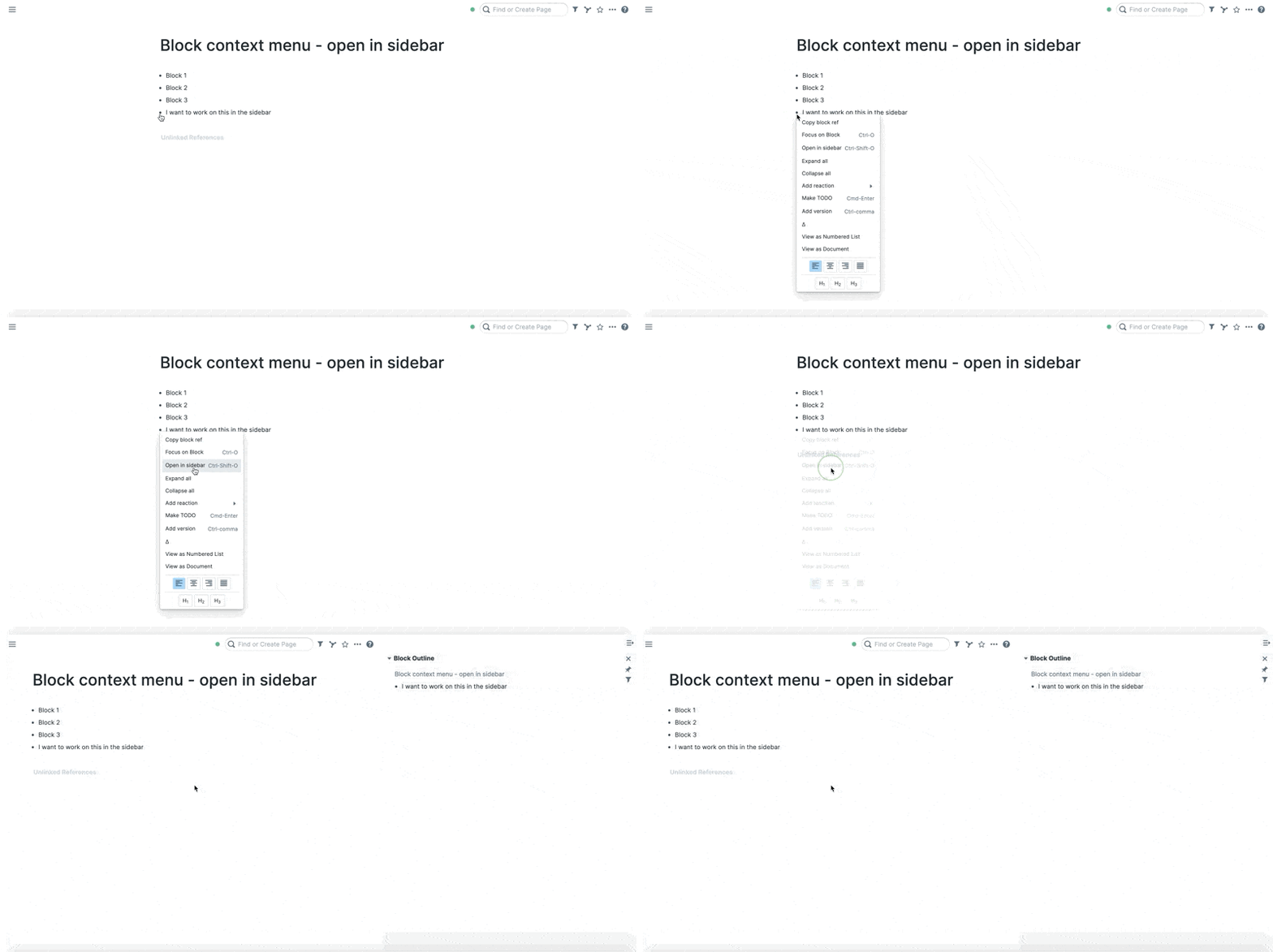
- Open in Sidebar
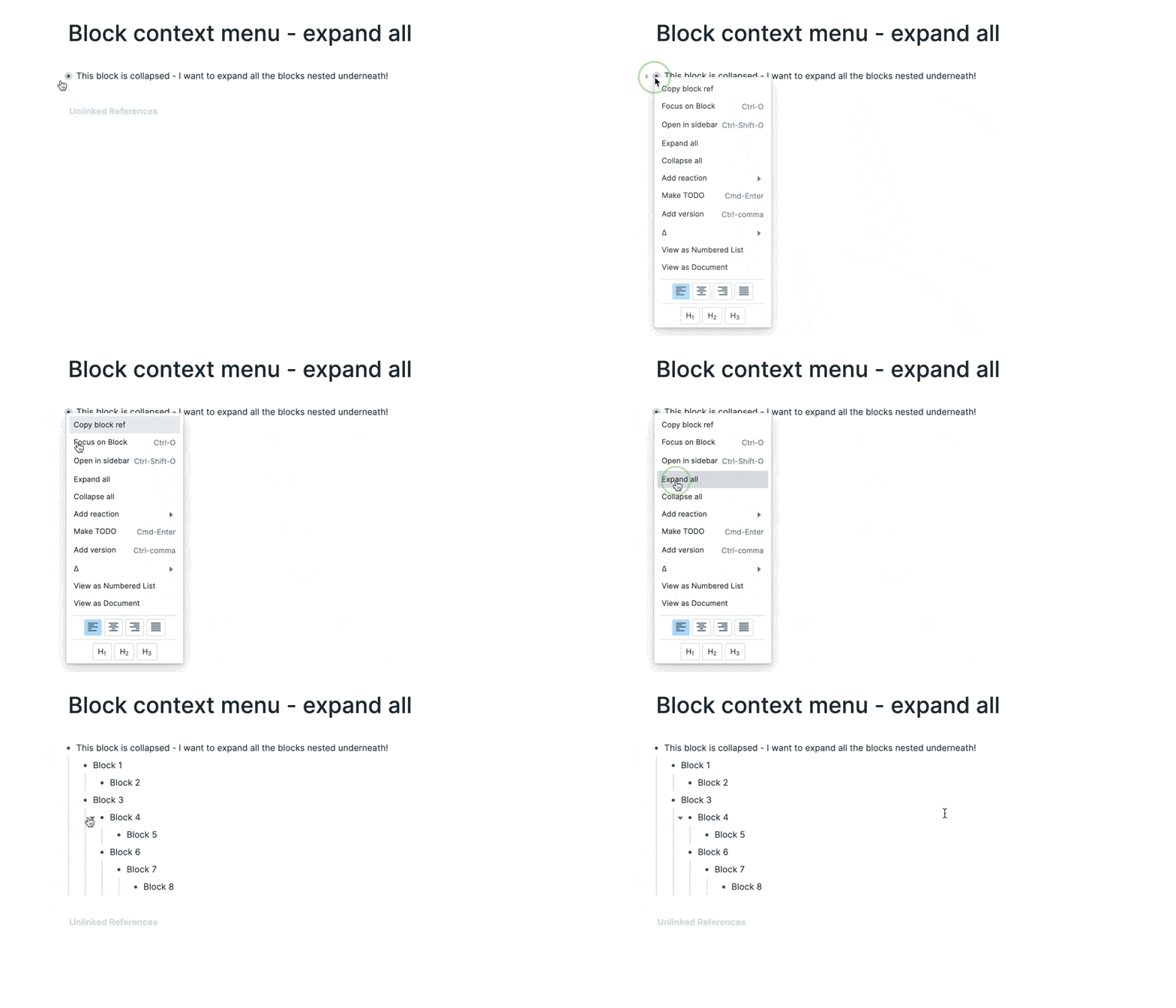
- Expand All
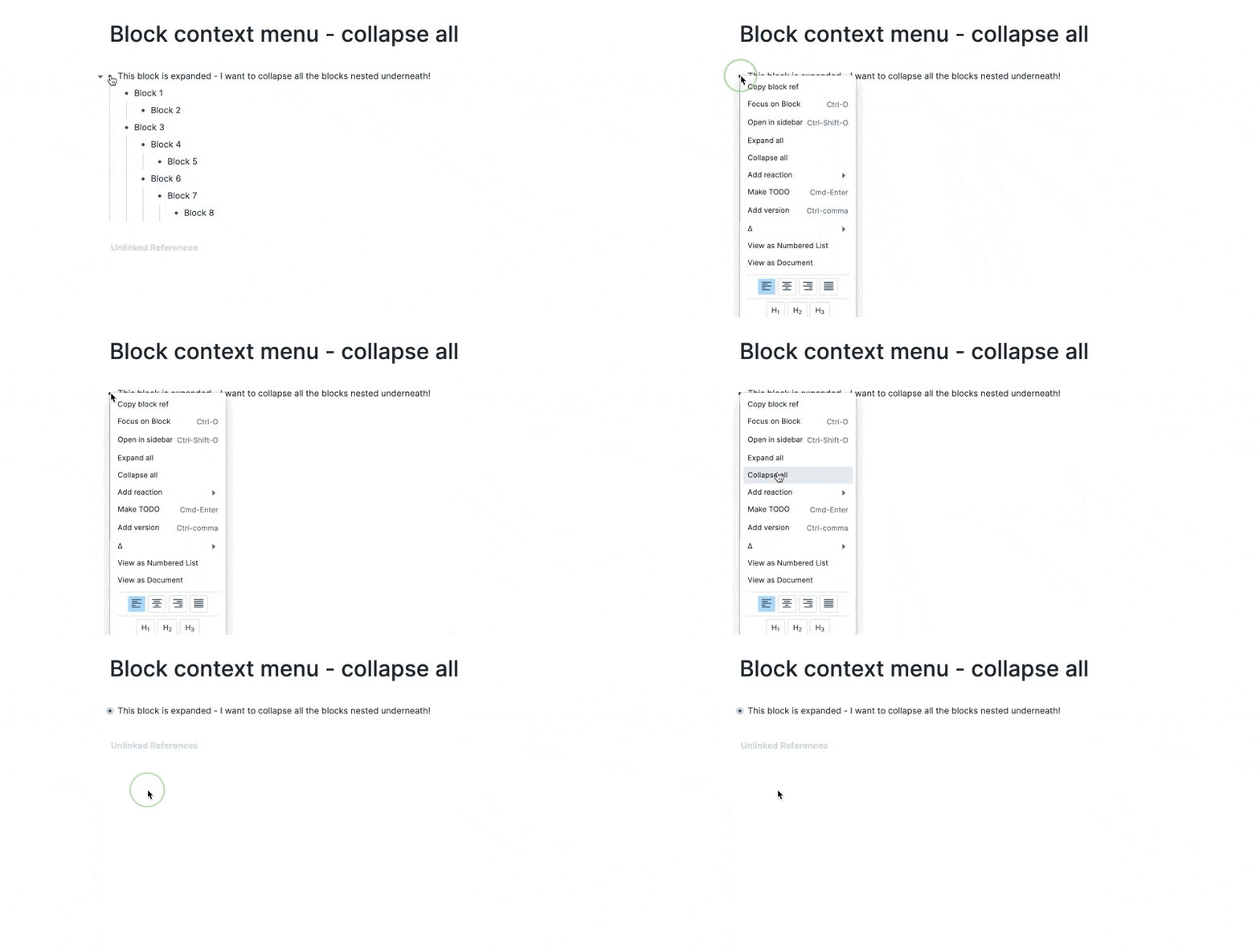
- Collapse all
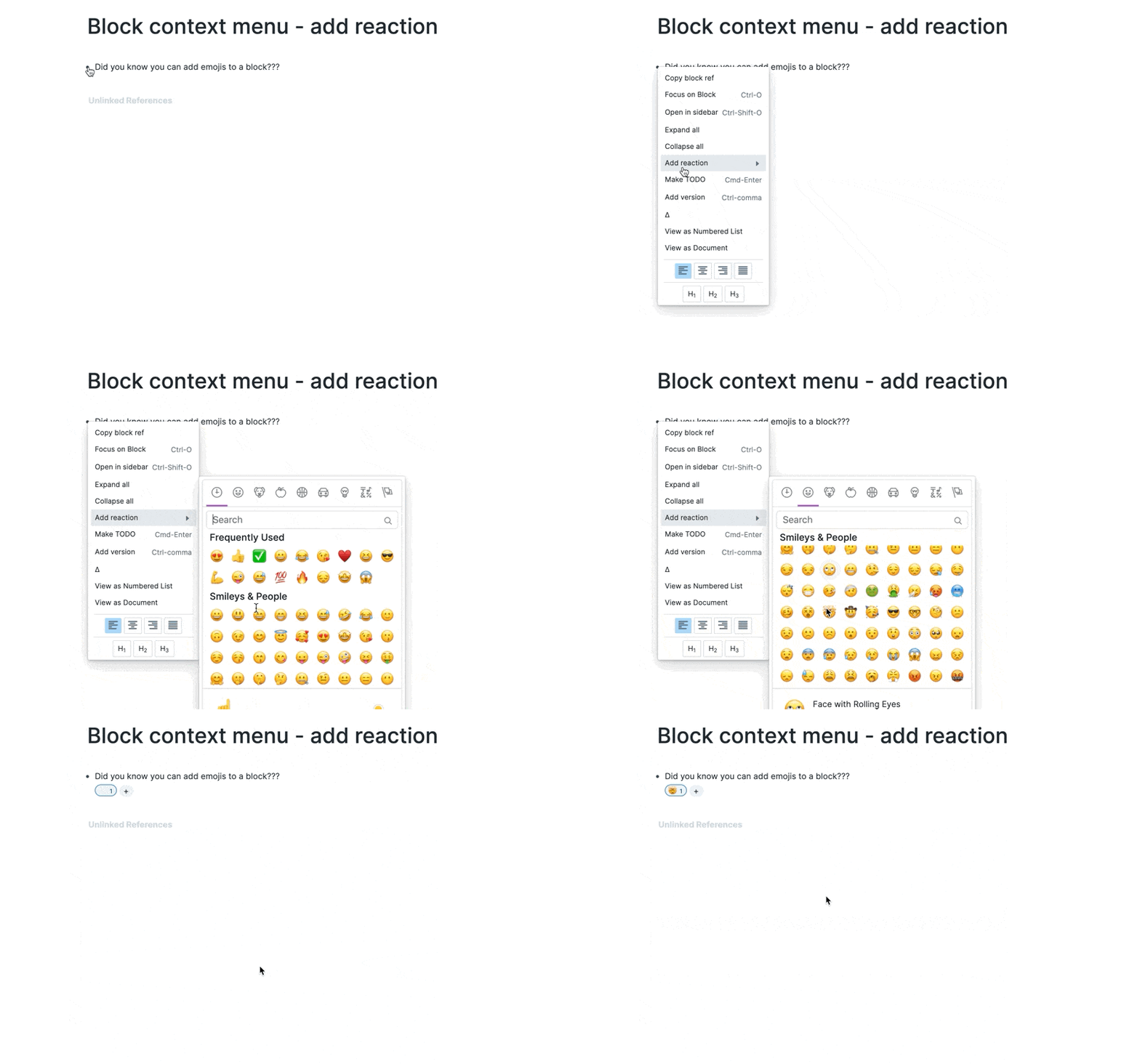
- Add reaction
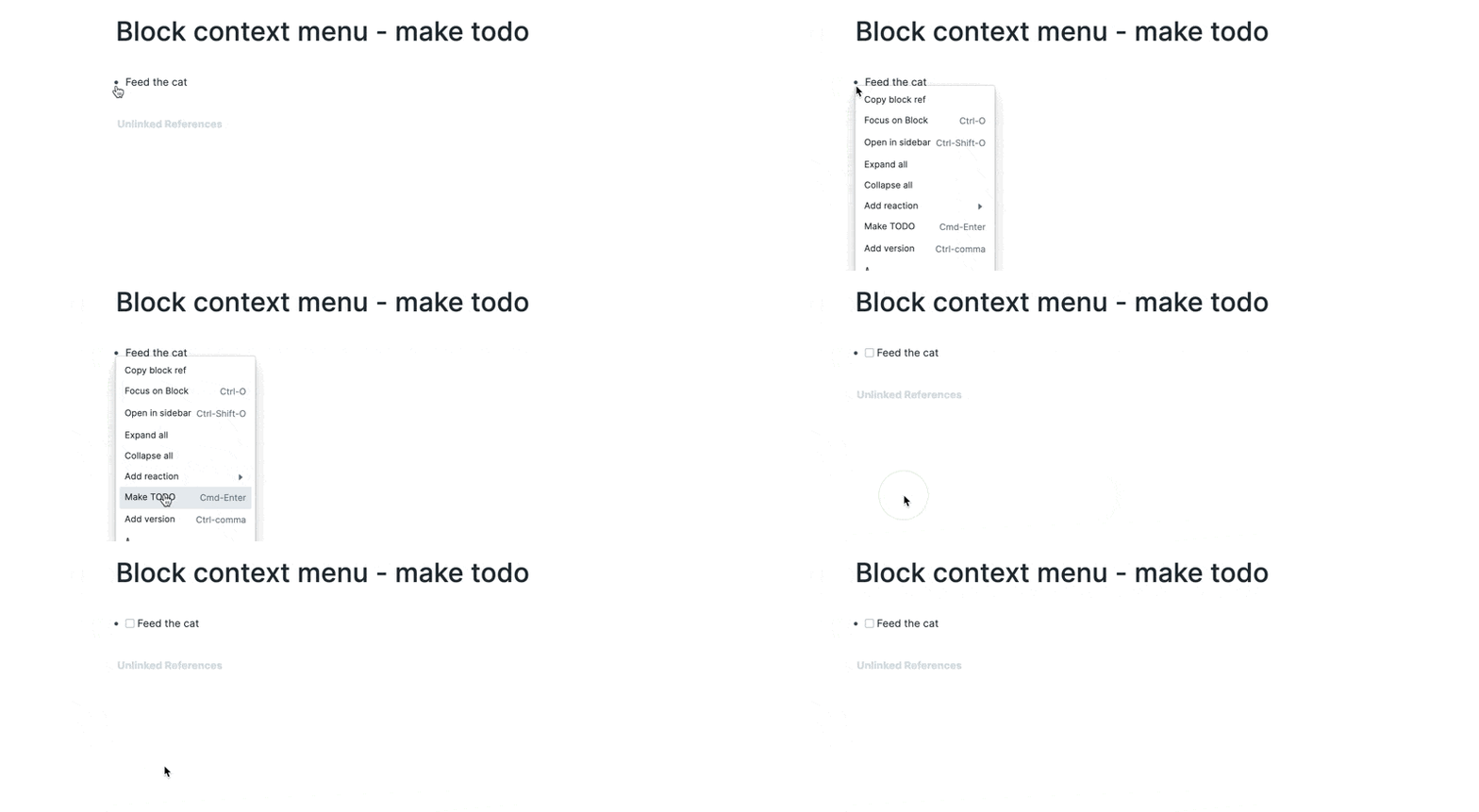
- Make todo
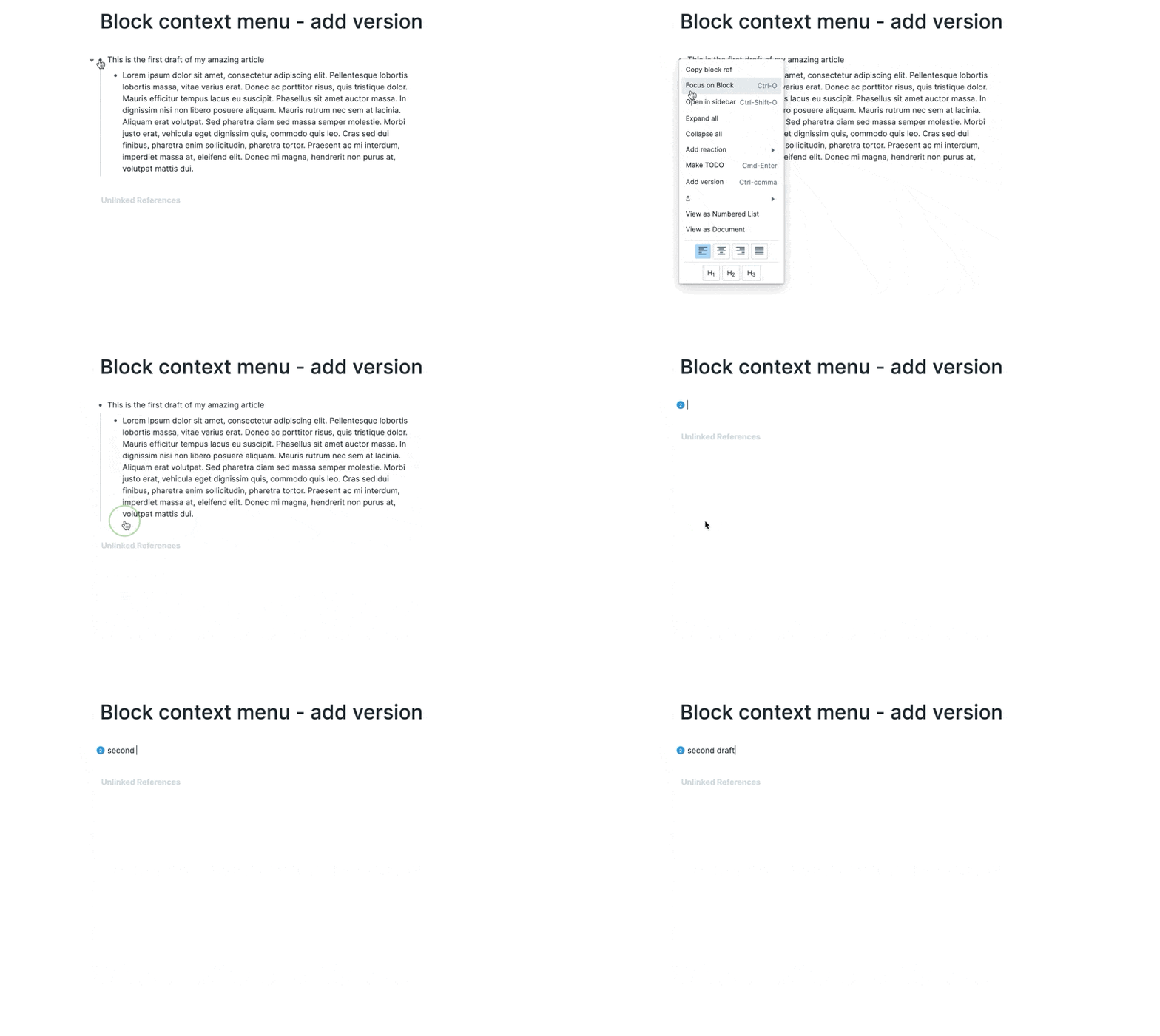
- Add version
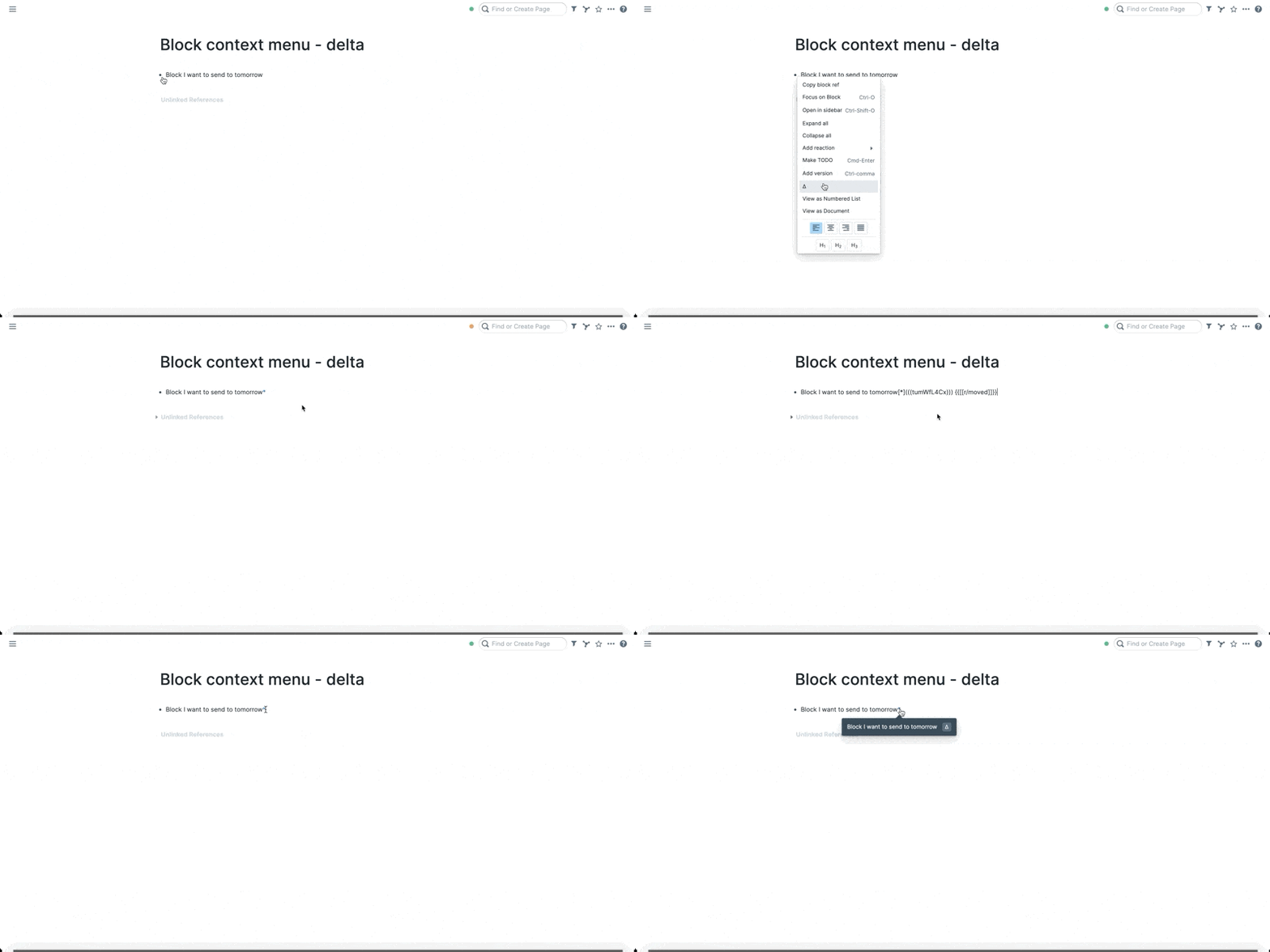
- Delta
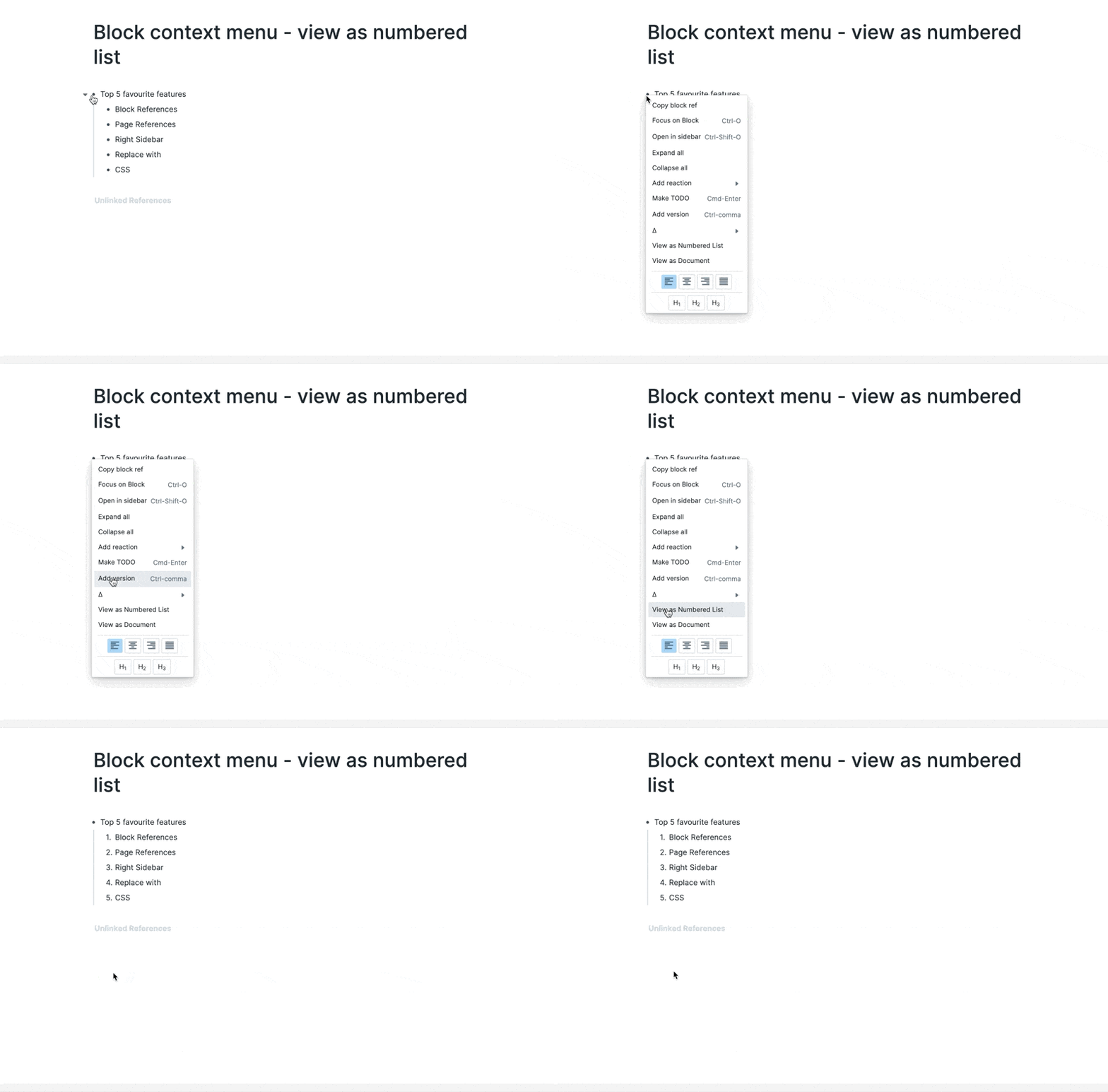
- View as Numbered list
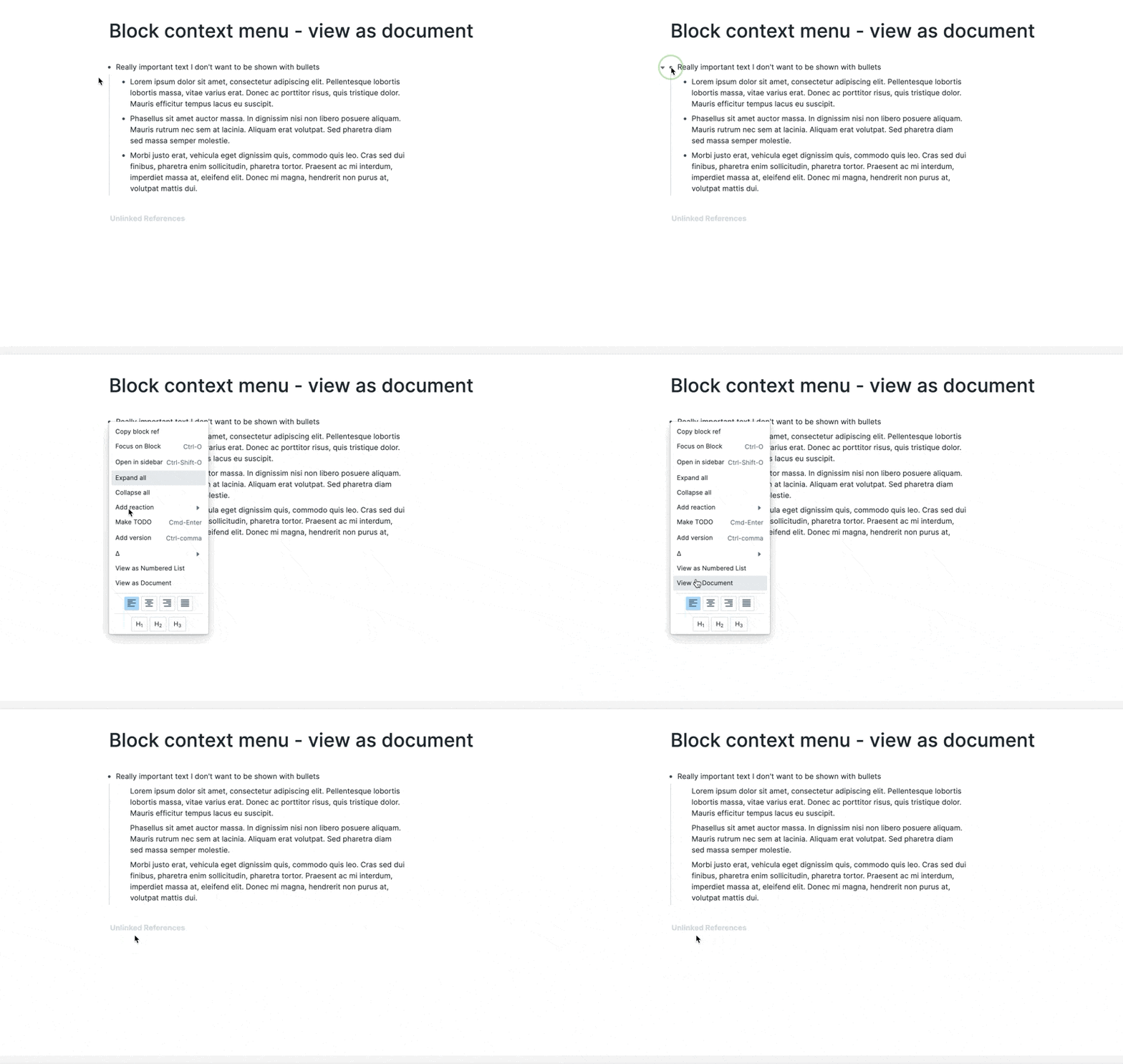
- View as Document
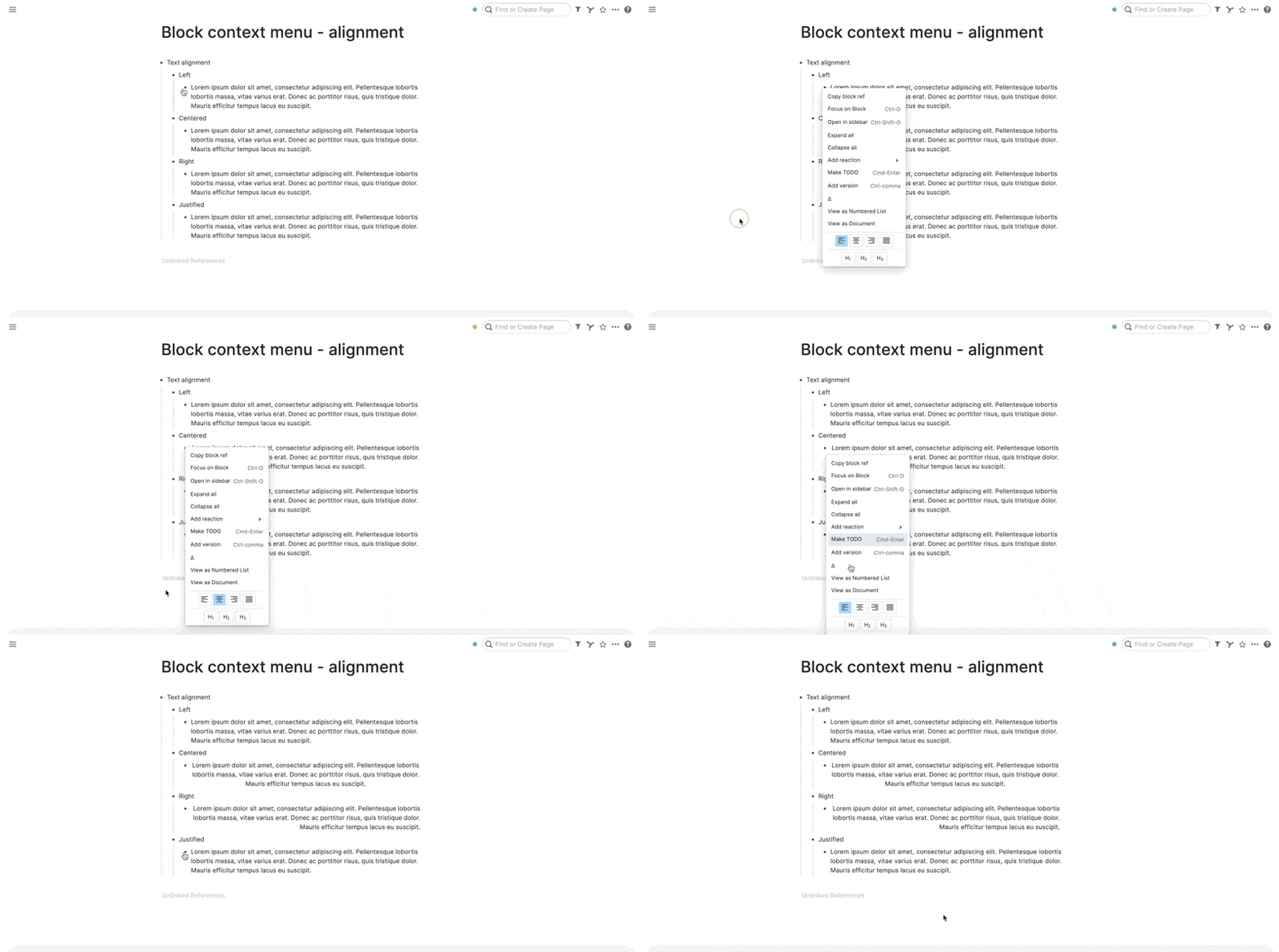
- Alignment
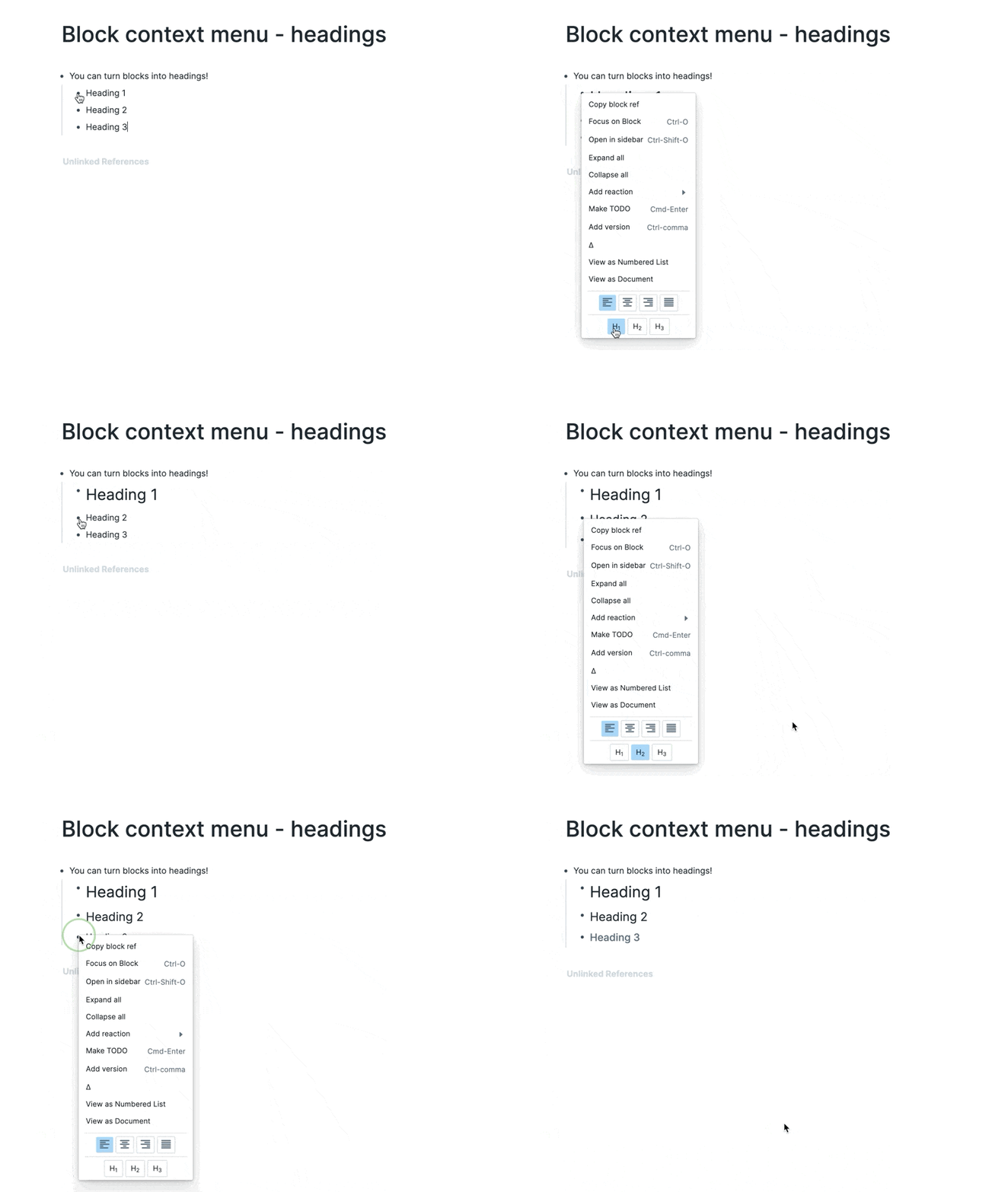
- Headings
- Roam Team Videos::
- Mermaid diagrams combined with version control in Roam Research by Conor White-Sullivan
- Articles::
- Community Videos::
- Roam Research: Delta Feature by Les Kristofs
- {{video: https://www.youtube.com/watch?v=2DkzqmidG54}}
#Delta
- Concept of using Delta and Kanban for Time Management by RoamHacker
- {{video: https://www.youtube.com/watch?v=sCGnWMqLteE}}
#Delta | #Kanban
- Versions: Fundamentals of Roam Research by R.J. Nestor
- Key Commands::
⬅ Right click on the circle bullet