Roam Research Docs · Help & user documentation
Command Palette
markdown version · view in Roam Research
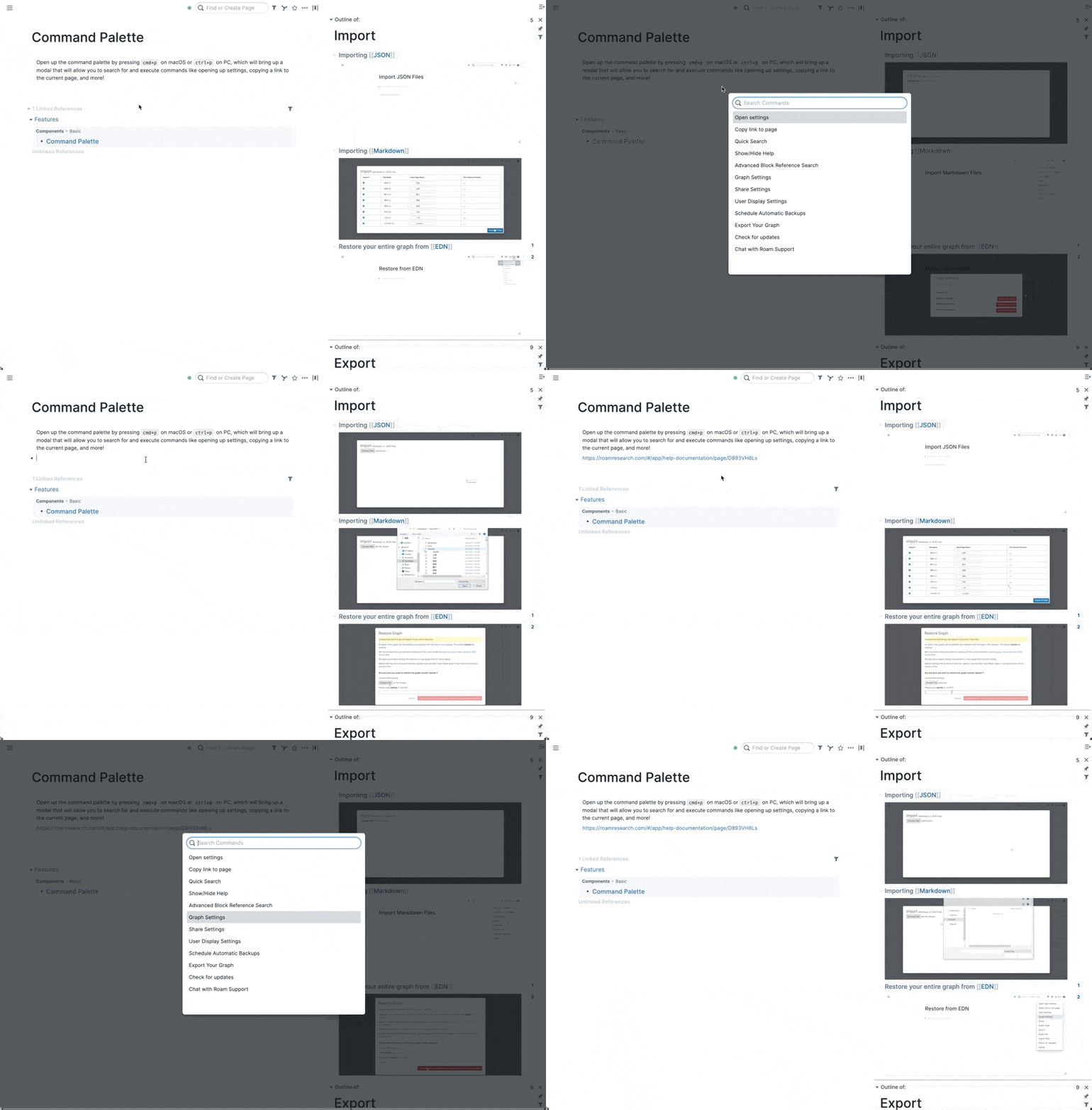
- One searchable list of just about everything Roam can do: open it, type a few letters, hit
Enter.
- It's the fastest route to an action when you don't know (or don't remember) its hotkey.
How to use it
- Press
Cmd-p / Ctrl-p anywhere.
- Type part of a command's name to filter the list. A word or two is enough, in any order.
↑ / ↓ to choose, Enter to run, Esc to close.
- When it closes, your cursor returns to the block you were writing in.
What you'll find inside
- App-wide actions: toggle the sidebars, open today's Daily Notes, Advanced Search, Global search, Zen Mode, the Graph Overview, and more.
- Housekeeping: import, export and backups, attachments, Check for updates, and Chat with Roam support.
- Settings: … commands that jump straight to a specific section of your settings.
- Edit Hotkey: … commands that take you to that command in Settings → Hotkeys, so you can give it keys of your own.
- Roam Depot: the marketplace and extension settings. Installed extensions can add commands of their own to the list.
Good to know
- Commands that have a hotkey show it on the right, so the palette doubles as a hotkey cheat sheet.
- In Zen Mode, Toggle Zen Mode is pinned to the top of the list, so the way out is always one
Cmd-p away.