Roam Research Docs · Help & user documentation
Developer Documentation
markdown version · view in Roam Research
- If you're a developer who'd like to build extensions for Roam or connect stuff to Roam, please checkout our developer-documentation graph
- Some starting points
- Roam Alpha API: Docs Link
- This is the API that frontend Roam extensions use
- Building a Roam Depot extension: Docs Link
- Covers code guidelines, developing locally, and submitting your extension to the marketplace.
- Roam Backend API: Docs Link
- A REST API for your roam graph
- You can use this API to read or write to your Roam graph via your own code or a variety of services
- Some examples of things that use the Roam Backend API
- [Speak to Roam](Apple Shortcuts/Speak to Roam) Apple Shortcut (speak and send transcript to your Roam graph)
- An Apple Shortcut which allows you to speak and send the transcript to your Roam graph (works on iPhone, iPad, Mac and even on an Apple Watch )
- And it’s free! (though you do have to enter an OpenAI key 😅)
- Latest version: v1.3.0: https://www.icloud.com/shortcuts/ae1ae833cada4999b44d9ac5dda2dc6d
- Features
- Uses the OpenAI Whisper API to transcribe a voice recording
- Optionally post-process the transcript via an OpenAI GPT4 API call (prompt is customizable)
- If recording has been made and then something fails, then save the recording to “iCloud Drive/Shortcuts/SpeakToRoam/FailedRecordings/” folder and show a proper error message to the user
- Loom videos
- (these are for an older version but should be generally correct)
- The demo video: https://www.loom.com/share/76ebb8a30b1043b3a566f4077054ea73
- Set up guide video: https://www.loom.com/share/9bdbf2495e1f4a049d3d7354594a9808
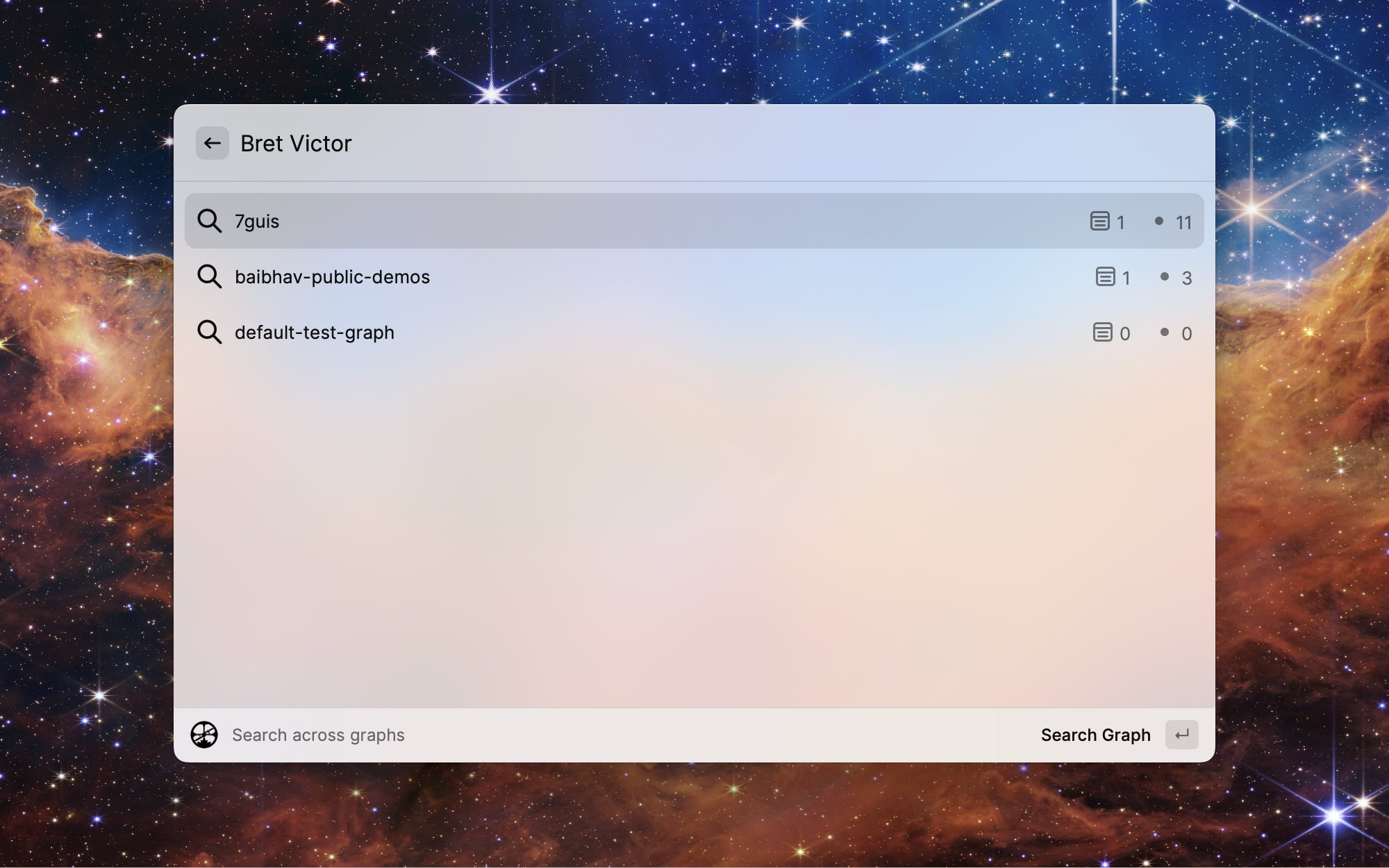
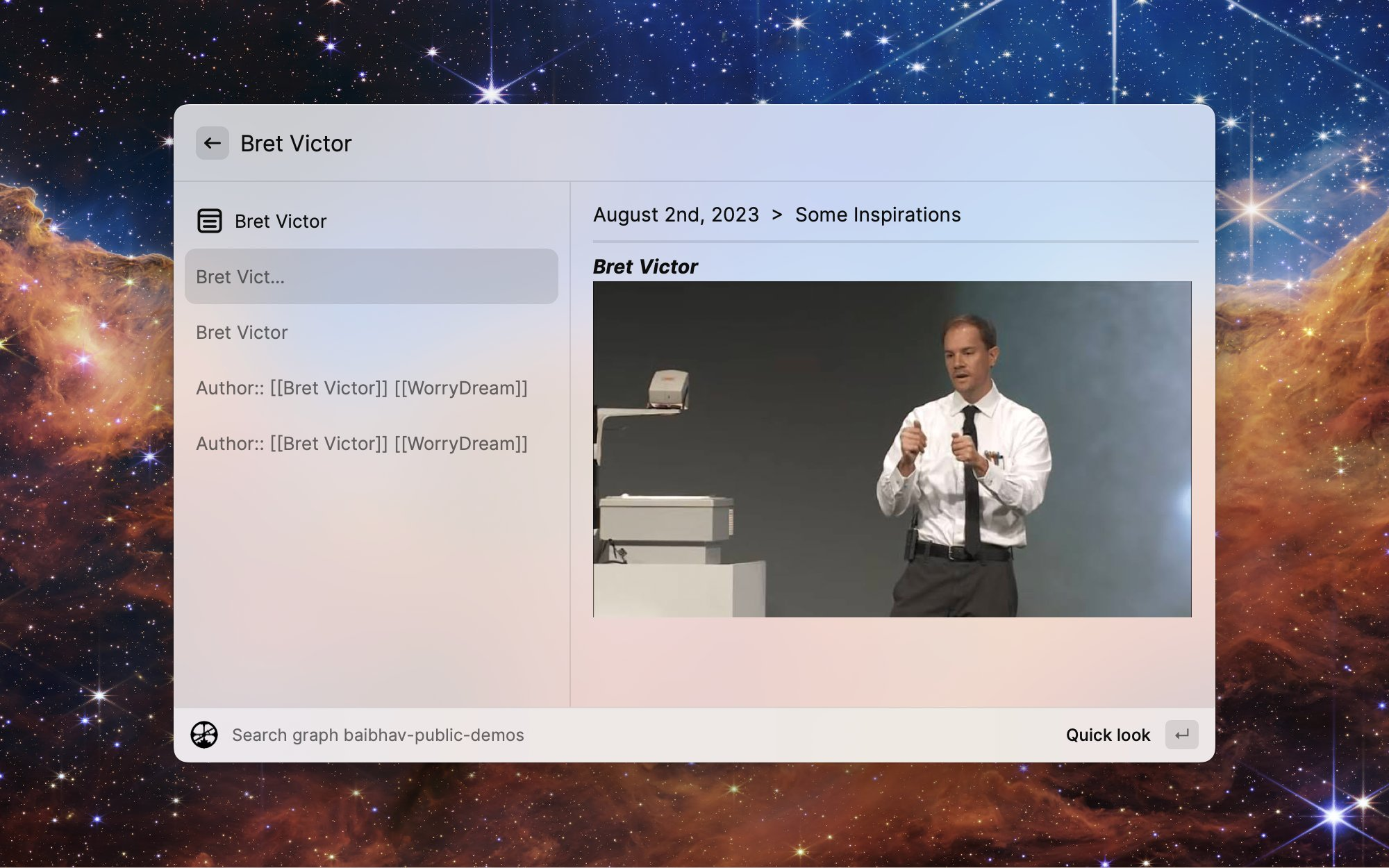
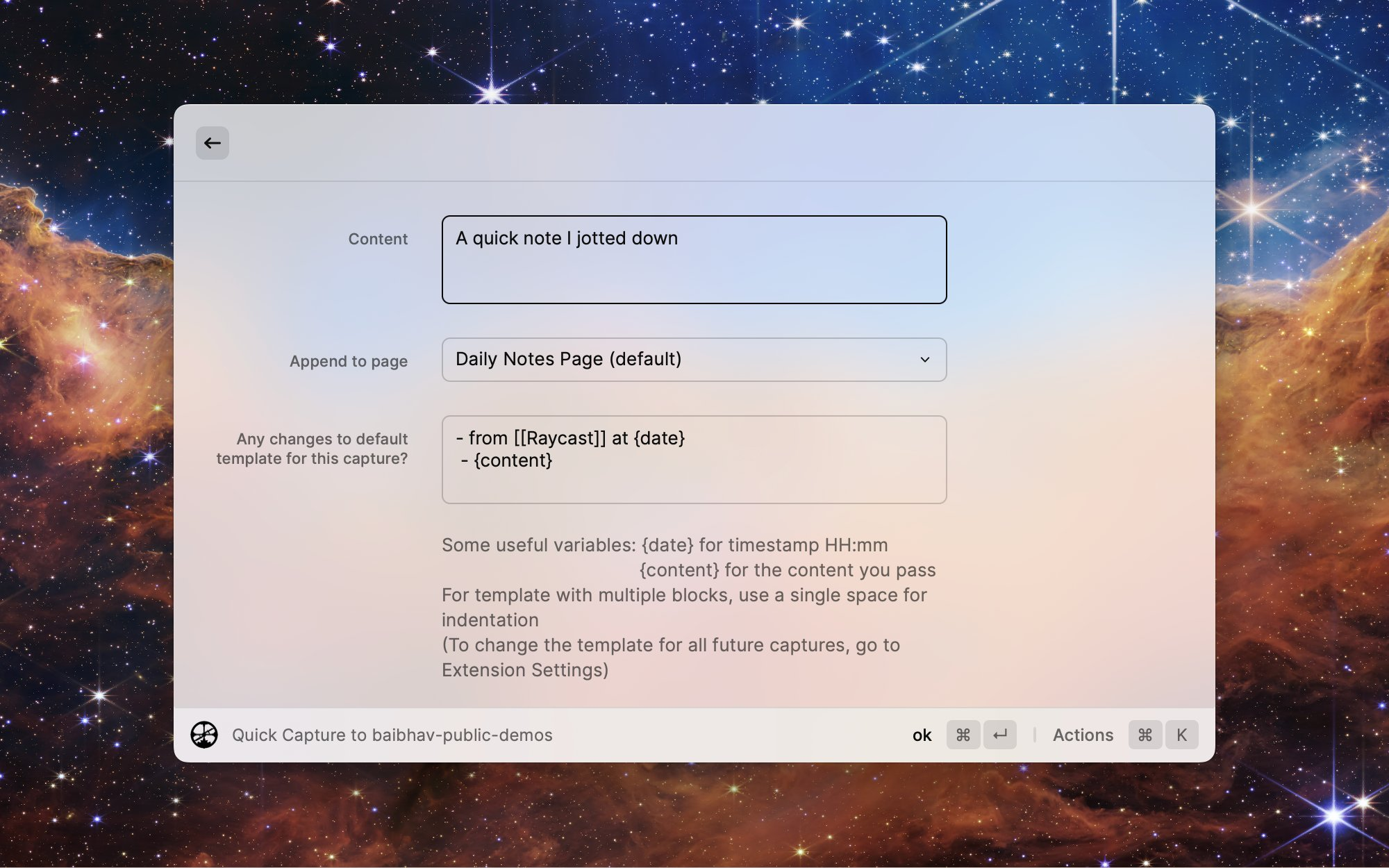
- the Raycast extension
- New and Updated Raycast extension for Roam!!
- MacOS users, watch the demo video below to get a sense of the power of having your Roam graph (or graphs 😉) at your fingertips:
- {{video: https://www.loom.com/share/3fa11c532cb44822a047caecc638e47f}}
- Features::
- Search across all your installed graphs or in one specific graph
- Quick capture notes to your Roam graph without leaving your keyboard
- View a random block from your roam graph
- Easily create Raycast quicklinks to open Roam graphs or specific pages in the graph even faster
... and more features baking in the oven!
- Getting Started Guide
- Install Raycast from https://raycast.com
- Then install the Roam Extension from: https://raycast.com/roamresearch/roam-research
- Follow the loom video below to add a graph
- {{video: https://www.loom.com/share/31ada35f7c8b4f44a2ba537b15237854}}
- If you run into any issues, drop us a message at [email protected] or via Intercom and we will get on it immediately.
- Big thanks to hyc for their work on the initial version of this extension 🙏
- P.S. Users of the older versions of the Raycast extension will need to add their graph(s) again. Sorry for the inconvenience, this should only be a one time thing
- Roam Append API: Docs Link
- difference from the Backend API is that this can be used by Encrypted Graphs too
- Other convenience features for writes/captures