Roam Research Docs · Help & user documentation
Search
markdown version · view in Roam Research
Find or create page Search (the search bar)
- Press
Cmd-u / Ctrl-u (or click the search bar) to find or create pages and blocks.
- Before you type anything, it shows your recent items.
- Results show reference counts and the path to each block, with your search terms highlighted.
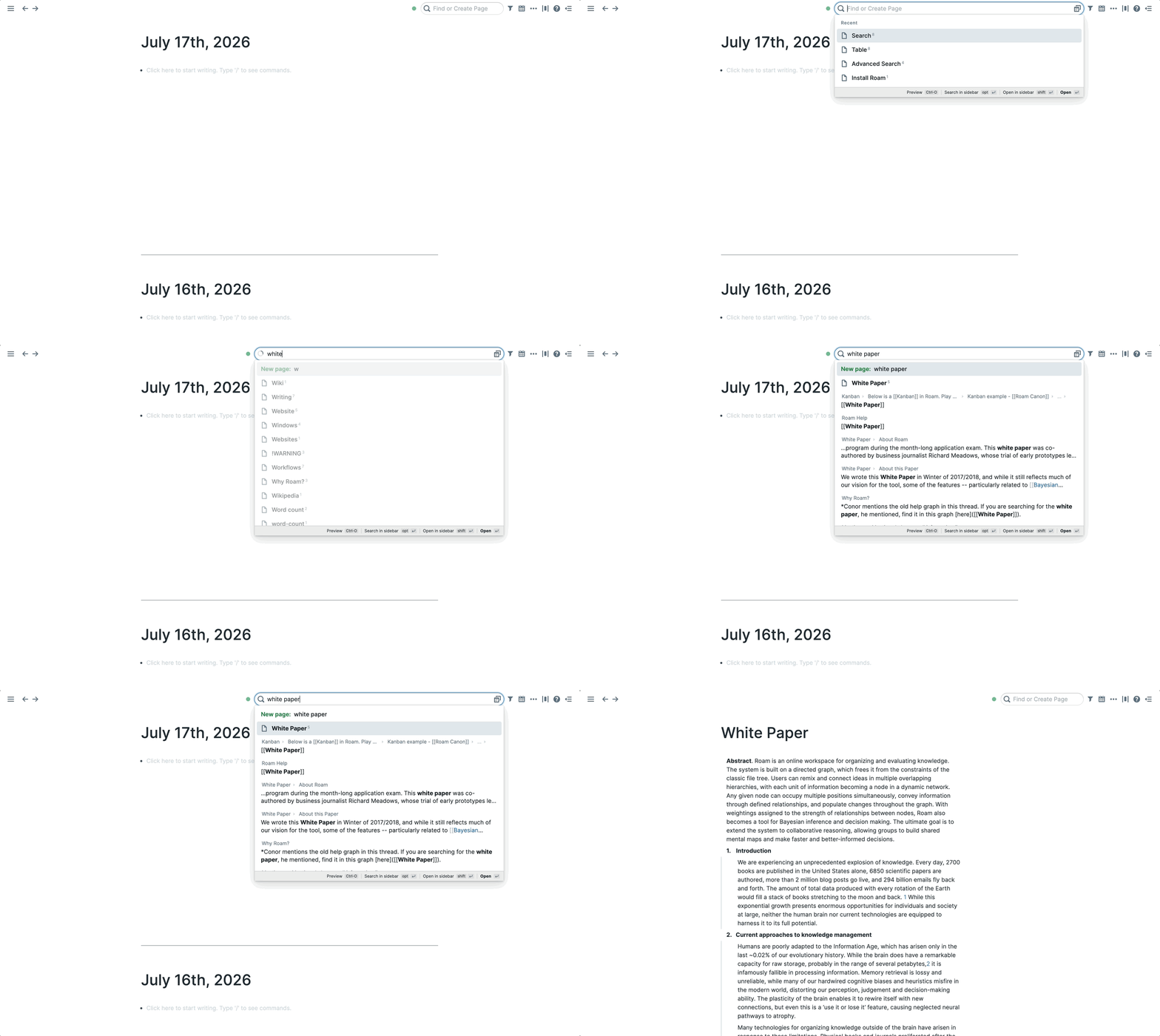
Enter opens a result, and Shift-Enter opens it in the right sidebar. If nothing matches your exact text, the top row offers New page: to create it.
- For filters, a preview pane, and semantic search, continue into Advanced Search: the button at the right edge of the search bar, or
Ctrl-o straight from the dropdown.
Searching and referencing while you write (inline)
- Type
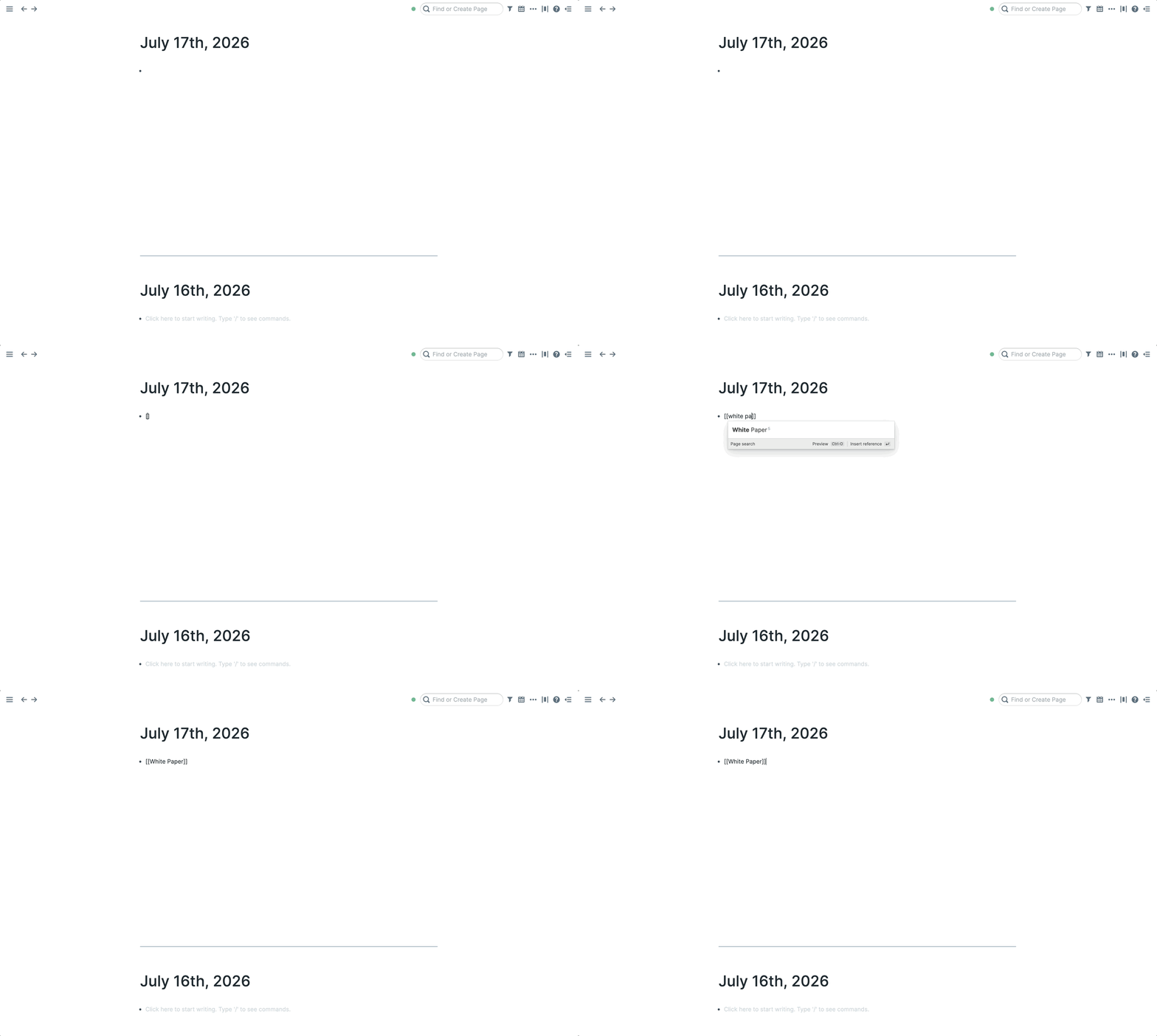
[[ to search page titles and create Page References. Exact title matches sort first.
- Type
# to search and create #Tags.
- Type
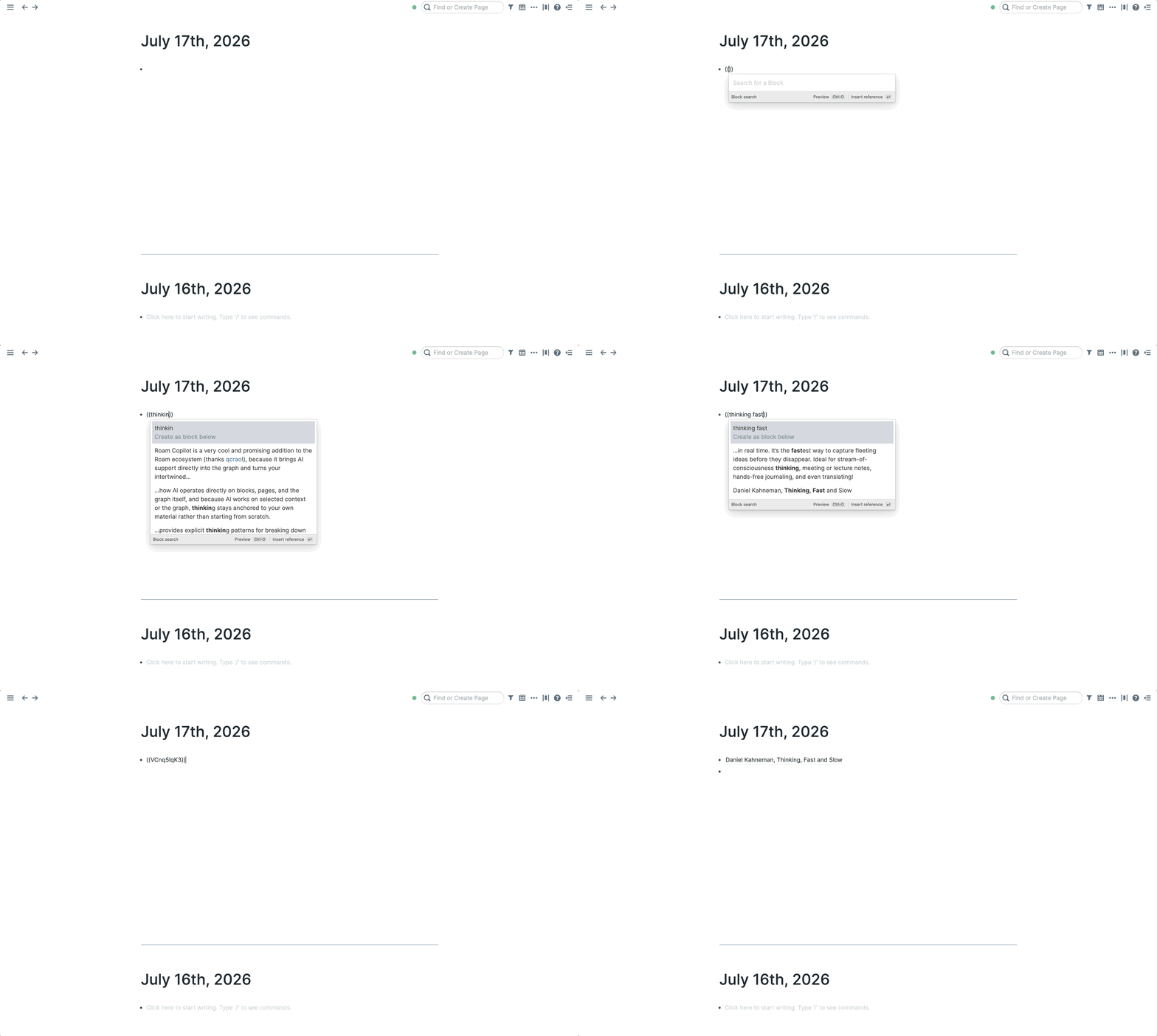
(( to search blocks and create Block References. It also matches a block's UID, so you can paste one in directly.
- Type
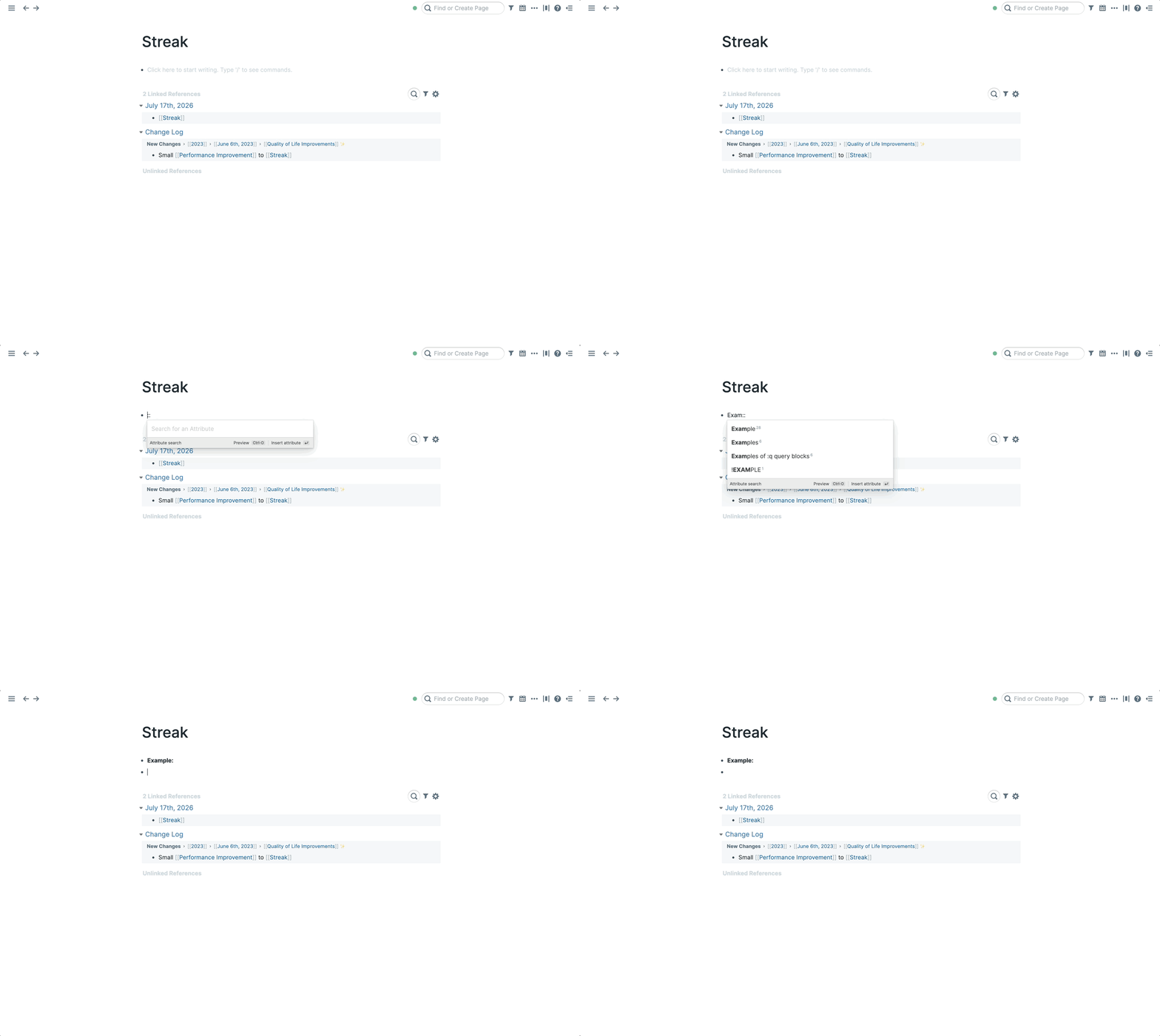
:: to search and create Attributes.
- In any of these,
Ctrl-o opens a preview of the selected result before you commit to it.
More ways to search
- Advanced Search: the full search view, with a results list, preview pane, and filters.
- Global search: (
Cmd-Shift-u / Ctrl-Shift-u): search across all of your graphs at once.
- All Pages: a sortable list of every page in your graph. Sort by title, word count, mentions, or when pages were created or last edited.
- Better search (Experimental): the new search engine. Faster on large graphs, and block references become searchable.
- Semantic search: meaning-based search, once embeddings are enabled for your graph.
- Advanced Block Reference Search: (
Ctrl-Shift-9): find a block by drilling down through its outline, level by level, and drop a reference to it where you're writing.
Good to know
- Search ignores accents: "café" and "cafe" find each other.
- You can hide code blocks from search results, as well as change other search settings, in Settings → Preferences → Search.